Tag: How To
Showing 1267 articles

Disable AI features in Paint app in Windows 11
Microsoft Paint app in Windows 11 now comes with AI-powered features such as image generation, background removal, Background Remover, and […]

How to Remove Recurring Meetings Scheduled by Former Employees in Microsoft 365?
In today’s dynamic business environment, employee transitions are very common in any organization. However,…

Fix Airplane mode greyed out in Windows 11
In this article, I am going to show how I fixed the Airplane mode…
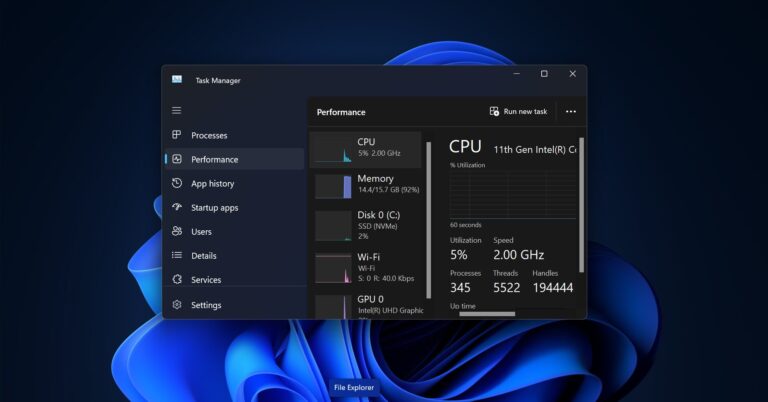
Reset Task Manager to default settings in Windows 11
Task Manager is a core component of the Windows operating system, available in all…

Fix This sign-in option is disabled because of failed sign-in attempts or repeated shutdowns in Windows 11
If you encounter the following error message “This sign-in option is disabled because of…

How to Fix ‘BitLocker Waiting for Activation’ Issue on Windows 11?
Bitlocker is a feature that protects your hard disk from external attacks or from…
How to Keep External Monitor as Default When I Am Closing the Lid in Windows 11?
Nowadays, many users prefer a multi-monitor setup to increase productivity. Using an external monitor…
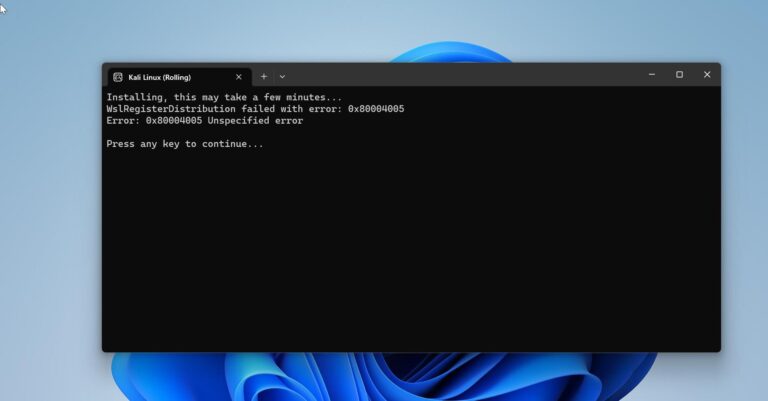
WslRegisterDistribution Failed with Error 0x80004005 in Windows 11: Quick Fix Guide
If you encounter the error message “WslRegisterDistribution failed with error 0x80004005” while trying to…

How to Install OpenSSL on Windows 11?
OpenSSL is a powerful open-source toolkit used to implement secure communication protocols such as…

System Reserved Partition in Windows: What It Is, When to Delete, and How to Prevent Its Creation
What is System Reserved Partition? The System Reserved Partition is a small Partition that…