Tag: How To
Showing 1267 articles

How to Perform an Emergency Restart in Windows 11?
If your computer or laptop is not responding, or the application is crashing or frozen, then emergency restart is the […]
How to fix New Teams Blurry Text in Windows 11?
Few users recently noticed that the Teams application text is blurry, and it’s very…
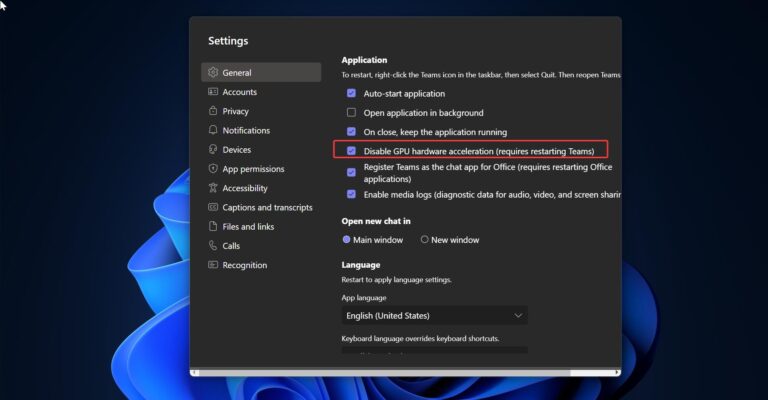
How to Disable GPU Acceleration in new Teams?
Microsoft Teams has become an essential tool for many organizations, enabling seamless collaboration and…

How to Clear Mapped Drive Cache in Windows?
If you are experiencing issues with your mapped drives on Windows? Do you find…
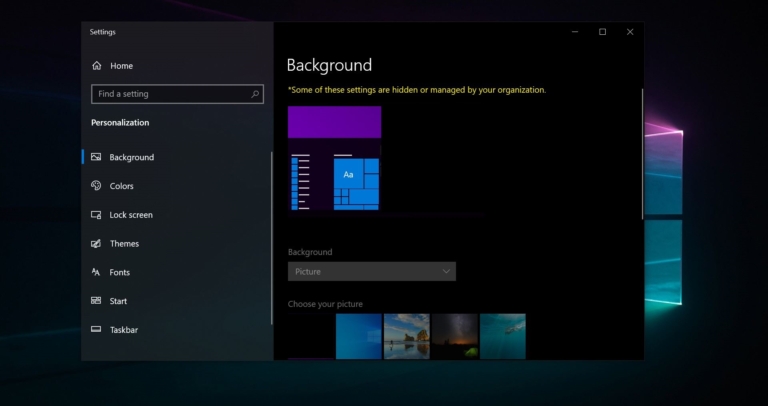
Change Your Desktop Background Managed by Your Organization
Your desktop background is the first thing you see when you start your computer…
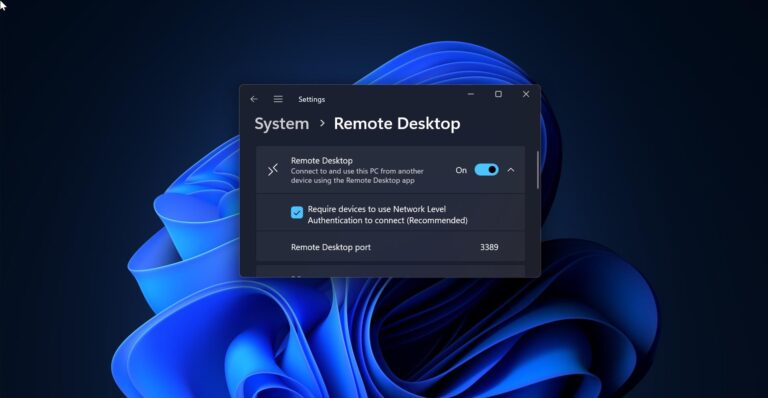
How to change the RDP port number in Windows 11?
Remote Desktop Connection is also Known by several names formerly Microsoft Terminal Services Client,…
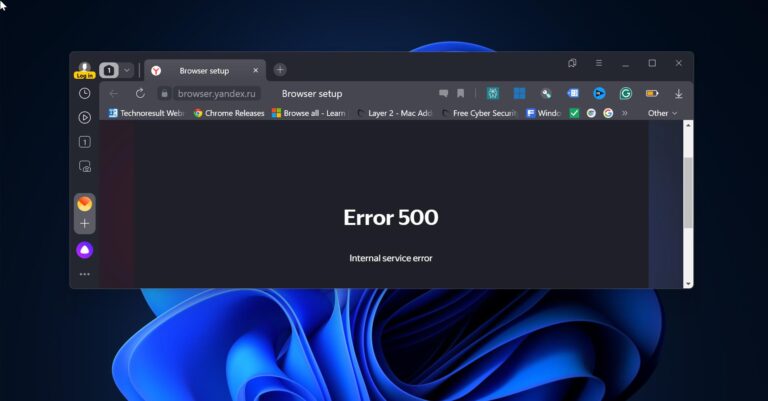
How to Install Any Browser Using Terminal in Windows 11?
To Install any Browser using Windows Terminal in Windows 11, we are going to…
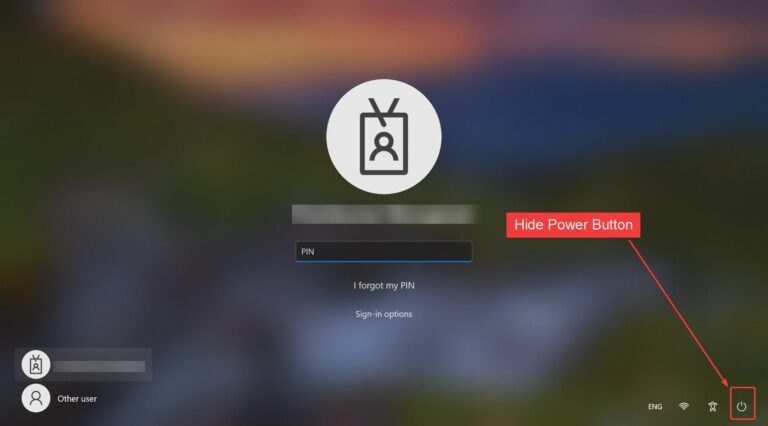
How to Hide Power button on Login Screen in Windows 11?
Once you boot your Windows system the first thing you see is Login Screen.…
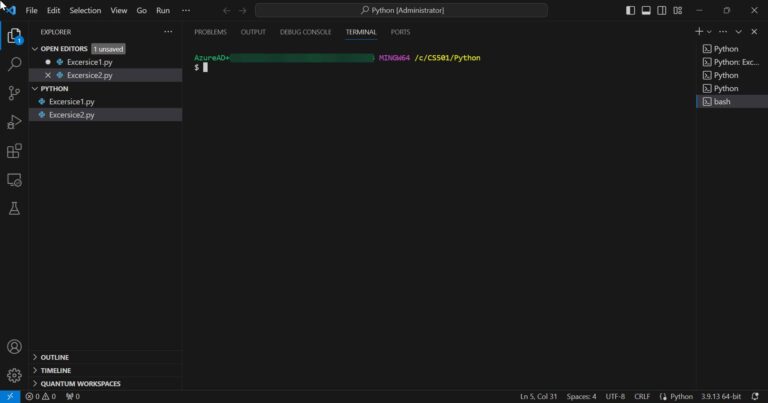
How to Set Gitbash as a Default Terminal in VS Code?
Setting Gitbash as your default terminal in VS Code can significantly enhance your productivity…
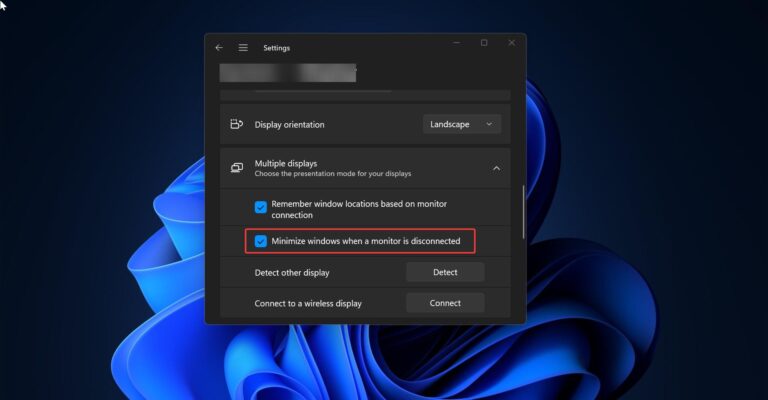
How to Disable minimize windows when a monitor is disconnected feature in Windows 11?
Windows 11 comes with a number of new and exciting features. One of the…