Tag: How To
Showing 1267 articles
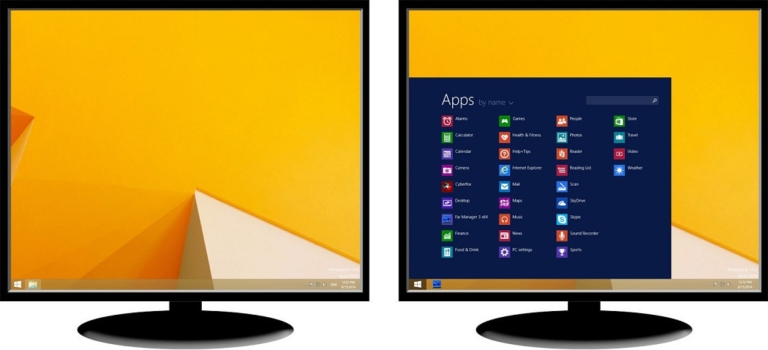
How to Enable Taskbar on dual Monitors in Windows 10?
Taskbar is an element of an operating system located at the bottom of the screen which has various purposes. It […]
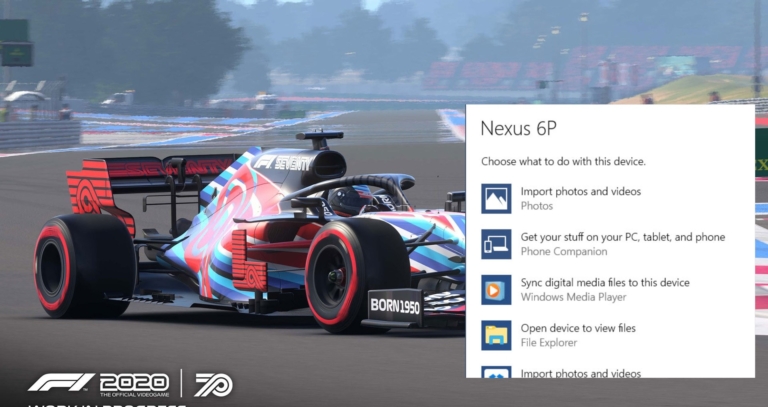
How to Disable AutoPlay Settings in Windows 10?
In Windows 10 have you ever notice, while connecting a USB drive, memory card,…

How to Disable Language Bar in Windows 10?
In Windows 10 Language Bar is a small toolbar specifically designed to switch between…
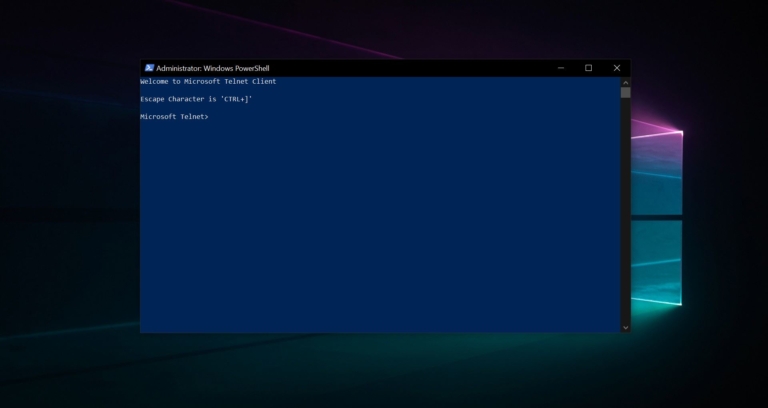
How to Enable Telnet Using PowerShell in Windows 10?
Telnet is a user command and an underlying TCP/IP protocol for accessing remote computers.…
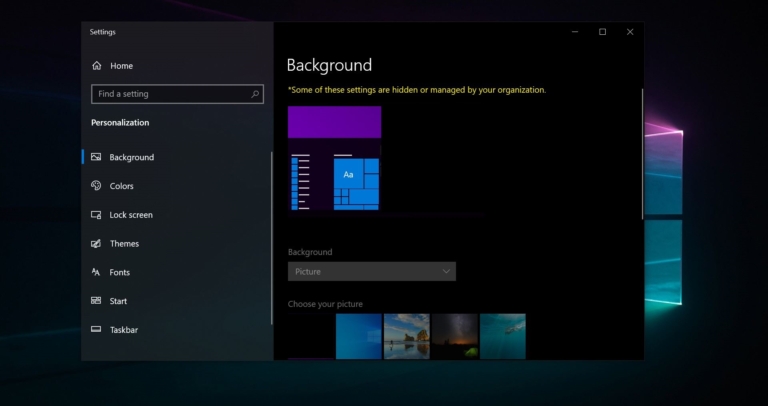
How to Change Desktop Background set by Your Organization?
Changing Wallpaper is one of the easiest task in windows 10, You can download…

How to Restore default icon for a Folder in Windows 10?
In Computing Icon is a small graphical representation of a program, file, web page,…
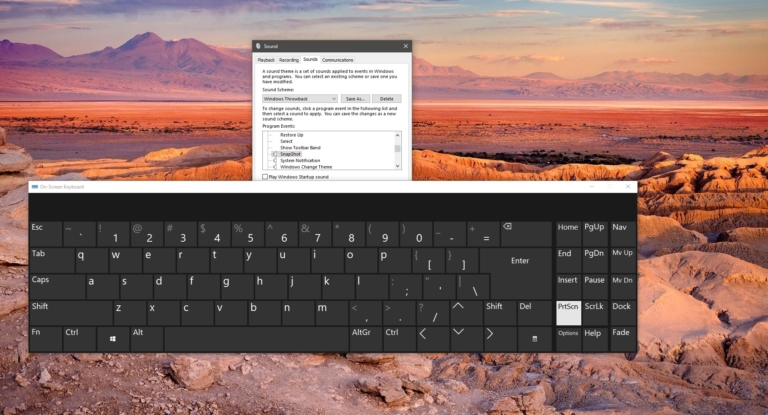
How to Enable Sound Alert for PrintScreen Key in Windows 10?
Print Screen or PrtScn is a Key which you can see in most of…
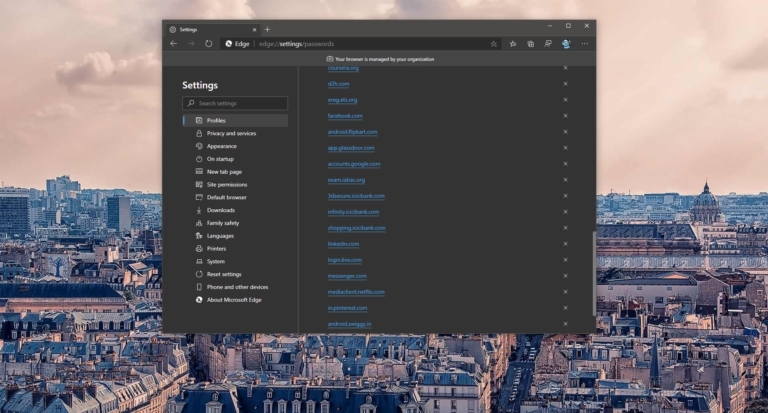
How to Export Saved Passwords from Microsoft Edge?
Microsoft Edge is a web browser developed by Microsoft and it was first released…

Fix Keypad Not working using Keyboard Troubleshooter in Windows 10
Nowadays Many users use laptops for their work or personal use, and many corporate…
Delete Saved Passwords for Sites in Microsoft Edge Chromium
Microsoft Edge is a web browser developed by Microsoft and it was first released…