
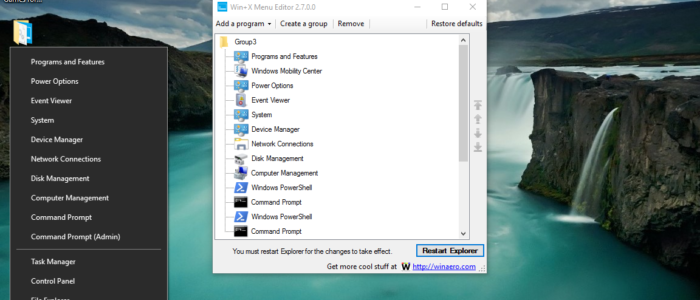
How to ADD Shortcuts to WIN+X Menu in windows 10?
The WIN+X Menu is a pop-up menu with shortcuts to manage windows tools easily, it is also called as Windows Tools […]
How to ADD Shortcuts to WIN+X Menu in windows 10? Read More »
The WIN+X Menu is a pop-up menu with shortcuts to manage windows tools easily, it is also called as Windows Tools […]
How to ADD Shortcuts to WIN+X Menu in windows 10? Read More »

Security is the main concern when we browse through the Internet, to take care of these security things there are lot
How to Enable/Disable TLS Setting in Windows using registry and PowerShell? Read More »
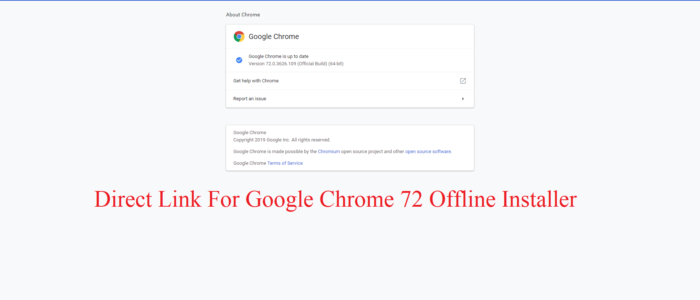
Google Chrome 72 has been released by google on Feb 11, 2019, with the new update for its search browser, with
Direct Link For Google Chrome 72 Offline Installer Read More »
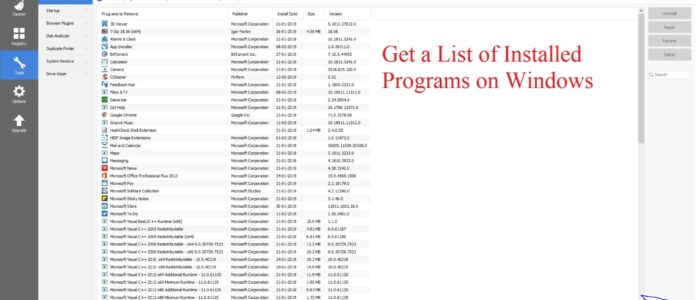
In Windows 10 or any other operating system comes with pre-installed programs, moreover, we install many software’s for our official purpose
How to Get a List of Installed Programs on Windows? Read More »

An e-mail signature is a block of text that is appended to the end of an e-mail message you send. Generally,
How to Add Email Signature in Outlook? Read More »
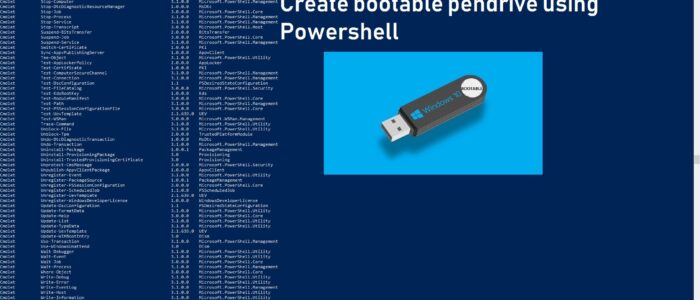
There are lot of ways to create a bootable USB disk, like using command prompt, windows tools, and many 3rd party
How to create a bootable USB disk using PowerShell? Read More »
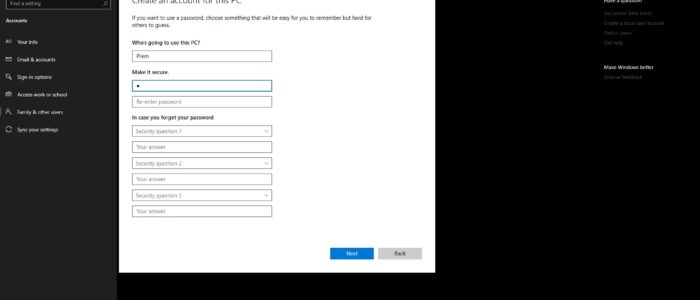
Microsoft introduced a security question in windows falls creator Update for creating a local account in windows 10, Most of the
How to Enable/disable security Questions in windows 10? Read More »
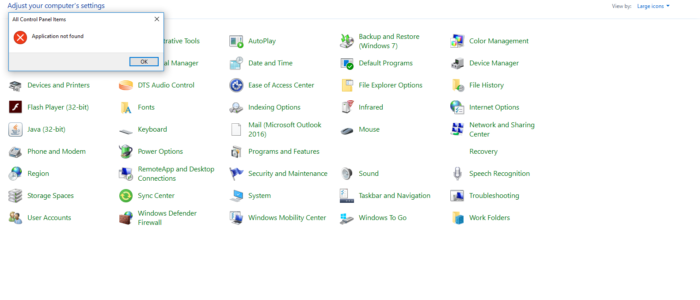
The Mail 32 Bit Icon is the applet that is used to manage your Outlook profiles in windows, Mail 32 allows
Mail 32 Bit Control Panel Icon Missing in windows 10 Read More »

Whenever I browse through the internet or while reading something on the computer the first thing I do is scroll, Scrolling
Reverse mouse or Touchpad Scrolling direction Read More »
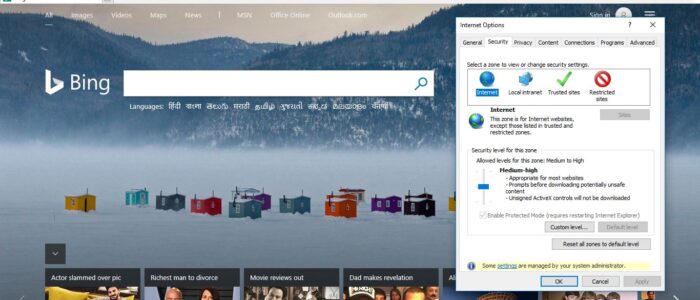
Enhanced Protected Mode is a security feature that was introduced in IE7, By default this Protected mode is Disabled in IE,
How to Disable Protected Mode in Internet Explorer windows 10? Read More »