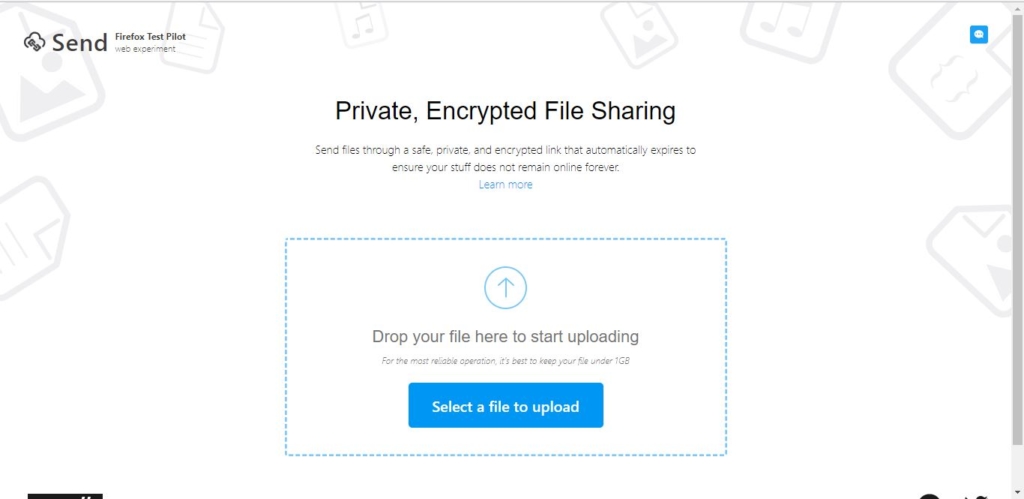
Mozilla has launched a website called send.firefox to send a large file securely. Its designed for quick and private sharing between two users. Normally you can send files via mail attachment but mostly email services will have a limitation up to 25-30 MB, attachment size or you can send large files via cloud services like DROPBOX and GOOGLE DRIVE will take more space and it’s not secure, moreover, your data will stay there in the drive until you delete. Firefox allows users to send files up to one GB via a secured network you can use any modern browser for this service, It works fine in android also.
Send Files via Firefox up to 1 GB
- Click the link
- Upload the file
- Once the upload got finished you will get the link to share
- Share the link to the other user.
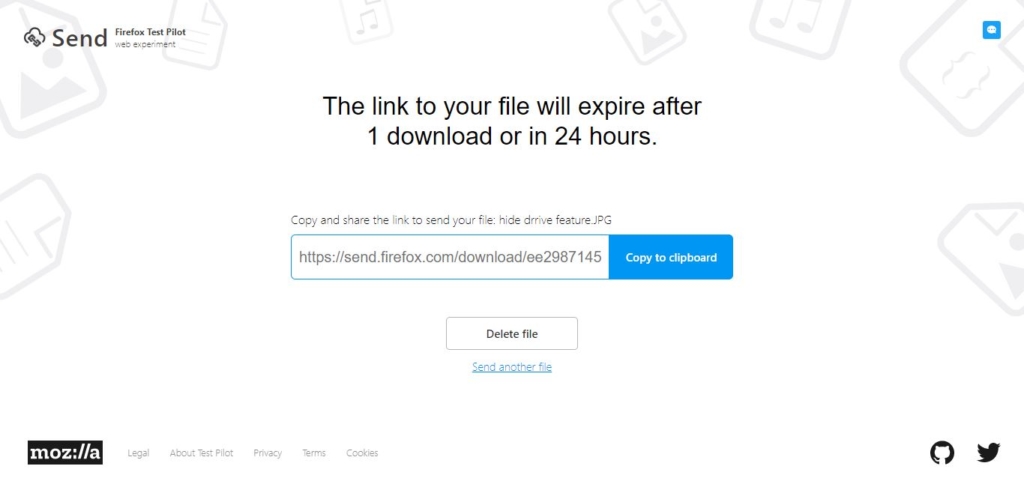 Note: These service will keep the file for 24 hours only after that the link will not be valid and your data will be deleted. And the file can be share only once.