
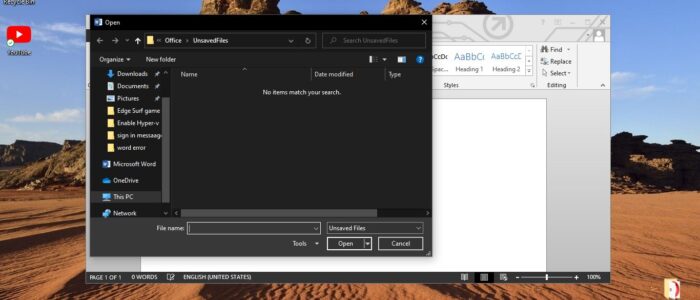
How to Open ASD file in Microsoft Word?
ASD is an extension data format associated with Microsoft Word. ASD file format is developed by Microsoft and these files contain […]
How to Open ASD file in Microsoft Word? Read More »
ASD is an extension data format associated with Microsoft Word. ASD file format is developed by Microsoft and these files contain […]
How to Open ASD file in Microsoft Word? Read More »
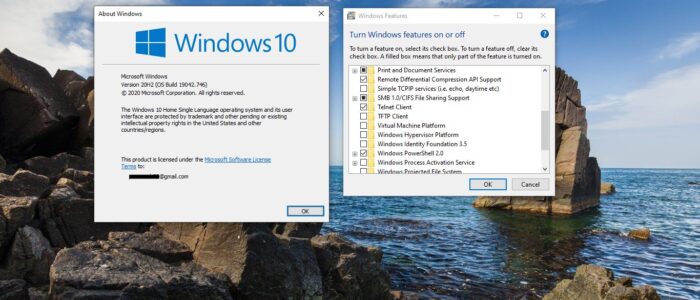
Hyper-V is a Microsoft Virtualization Software that allows users to create virtual computer environments, run and manage multiple operating systems on
How to Enable Hyper-V on Windows 10 Home Editions? Read More »

Most of the corporate users may be aware of the Sign-in message, it’s just a display message set by the organizations
How to Create Sign-in Message Using Registry Editor in Windows 10? Read More »

Microsoft Edge Introduced new Edge’s Secret Surfing Game Starting with Edge build 83.0.478.37, you can play surfing game in the new
Microsoft Edge Introduced Edge’s Secret Surfing Game Read More »

Progressive Web App is an app that is built from the Web technologies like HTML, CSS, and JavaScript. PWA is intended
How to Install YouTube as Progressive Web App (PWA)? Read More »
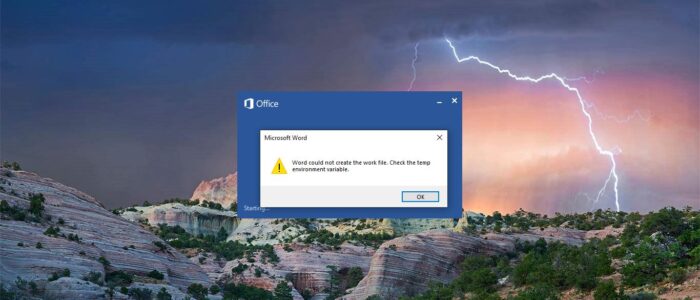
Word is called by many names like MS Word, Winword, Microsoft Word, or simply Word. It is a Word Processor published
Fix Word could not create the work file Error Read More »
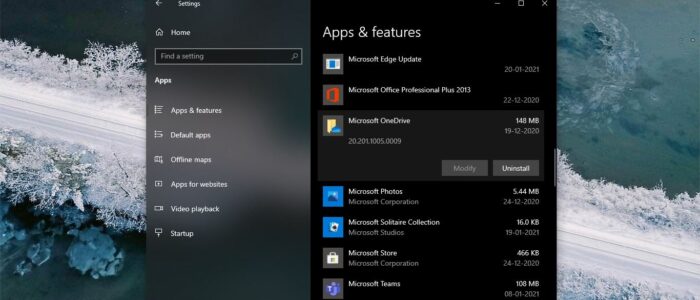
OneDrive is Microsoft Cloud-based Storage service, It is available for free to all Microsoft Account holders. OneDrive allows users to store,
How to Uninstall OneDrive Using Command Prompt? Read More »
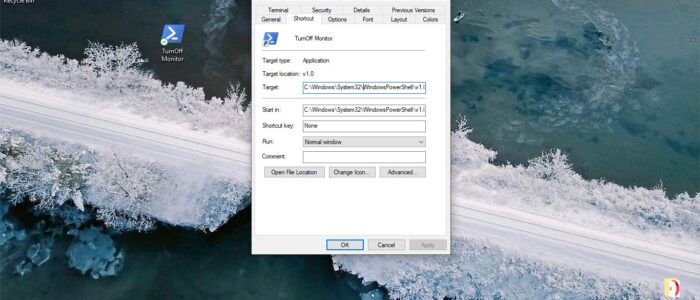
Usually to turn Off a Monitor we normally use the Monitor Power button. If you are using a dual monitor setup,
Turn Off Monitor Using a Keyboard shortcut on Windows 10. Read More »
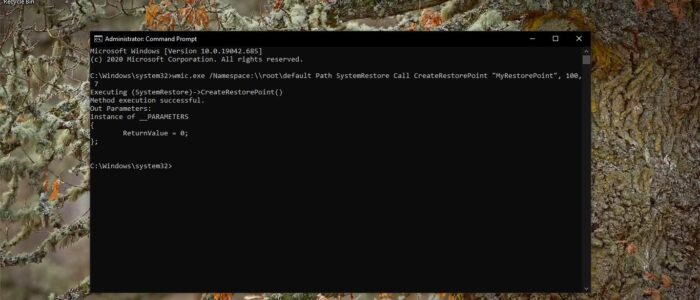
System Restore is a Windows utility that allows a user to restore their computer data to a specific former state (known as a restore point), undoing
Create System Restore Point Using PowerShell or Cmd? Read More »

In Windows 10 Desktop is the area where you can place your favorite computer programs, apps, files, folders, and Settings. Windows
Disable Desktop Drag and Drop Functionality in Windows 10? Read More »