Tag: How To
Showing 1267 articles

Enable Legacy Search Box in File Explorer on Windows 10
In Windows 10 File Explorer Search Box is the build-in search tool which is located top right corner in the […]

Basic PowerShell Networking Commands
Windows PowerShell is a Powerful tool which is developed by Microsoft for purposes of…
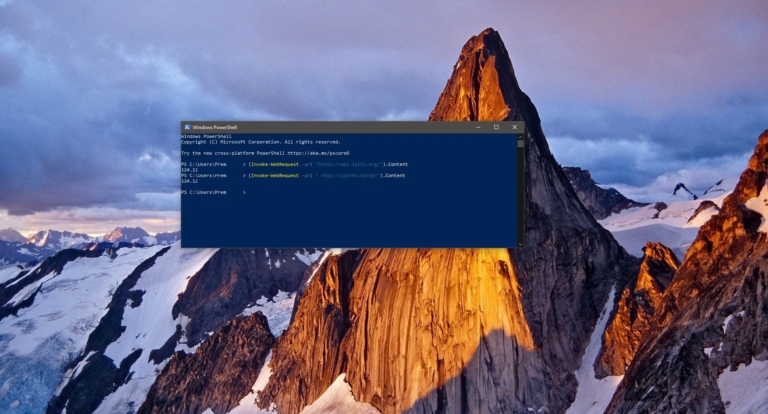
How to Find Public IP address Using PowerShell?
Windows PowerShell is a powerful tool that is developed by Microsoft for purposes of…

Fix Teams Modern authentication failed, Your status code is 4c7
Microsoft Teams is a chat-based collaboration tool that provides Global, Remote, and dispersed teams…
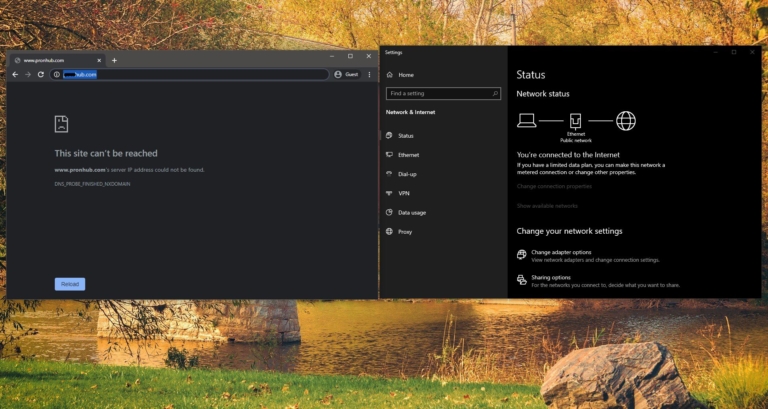
How to block Adult Content Using Cloudflare DNS?
Cloudflare is an American company which promising users to help build a better Internet,…
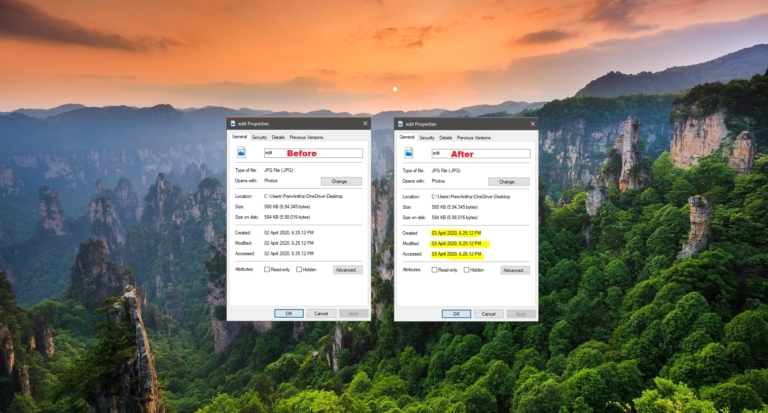
How Edit Created Date for any file in Windows 10?
In a Computer Operating system, creating, saving, Modifying, and Deleting files are known as…

How to Reset BitLocker Pin Using PowerShell?
Bitlocker is a feature that protects your hard disk from external attacks or from…

Remove the Arrow from Desktop Shortcuts on Windows 10
A desktop shortcut, usually represented by an icon, is a small file that points…
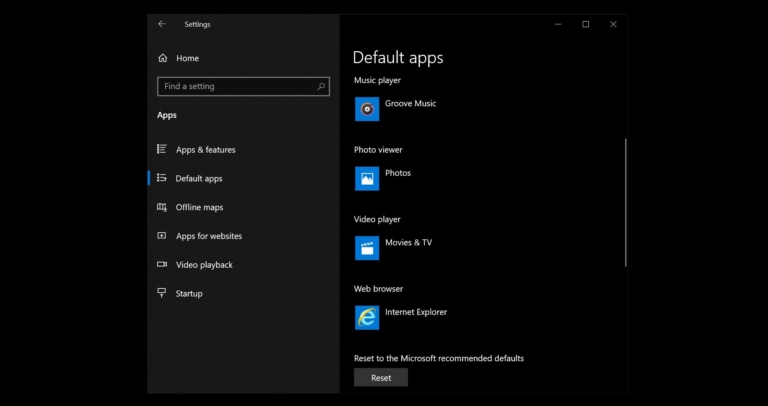
Fix An App Default was Reset Error in Windows 10
In Windows 10 Action Center is a Unified Place Where the computer will receive…

How to Create Desktop Shortcut for System Apps in Windows 10?
Accessing Windows System Apps is a simple task, you can access it in many…