Tag: Windows 11
Showing 714 articles
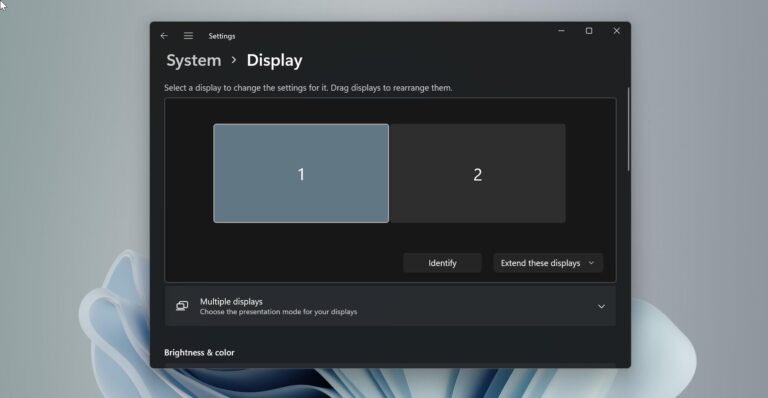
How to Enable Taskbar on dual monitors in Windows 11?
Taskbar is an element of an operating system located at the bottom of the screen which has various purposes. It […]
How to Auto-refresh webpage in Google Chrome?
Google Chrome is one of the best browsers and used by millions of users…

How to Enable Dark Mode in VLC media player?
VLC Media Player (short for VLC) is a free and open-source media player and multimedia framework…

List of Common BIOS keys for all Brand Laptops
BIOS or UEFI firmware on newer computers/laptops is very important page, no matter what…

Different types of Windows Licenses
Windows license is a proof that you have paid Microsoft to use their software…

What is Windows Product Key?
In Windows Product Key is a 25-Character code, which is used to activate Windows…
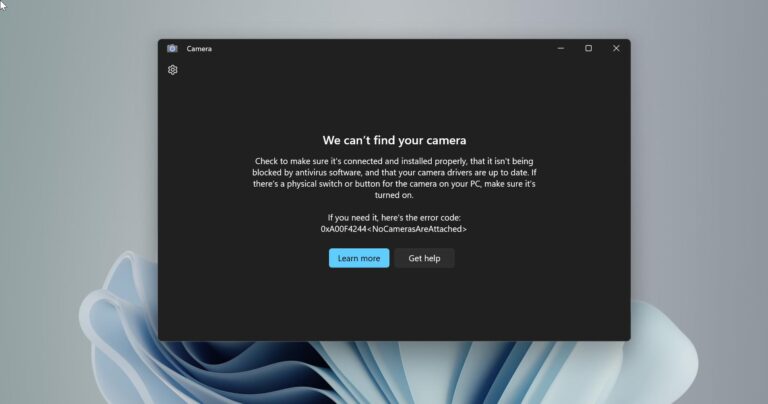
Easy Methods to Disable Integrated Webcam in Windows 11
Nowadays most of the laptops comes with Internal Webcams, mostly these webcams are integrated…

How to Increase Mouse Cursor size in Windows 11?
A mouse cursor, also known as a mouse arrow, or mouse pointer, is a graphical image used…
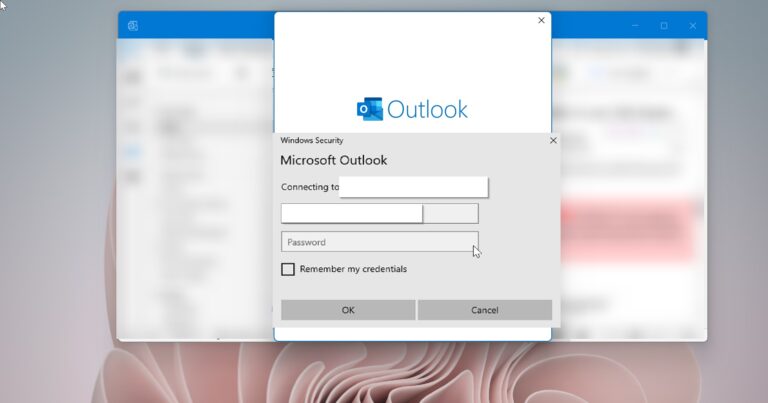
Enable or Disable Remember password option in Outlook
Microsoft Outlook is an application that is used to send and receive emails. It…
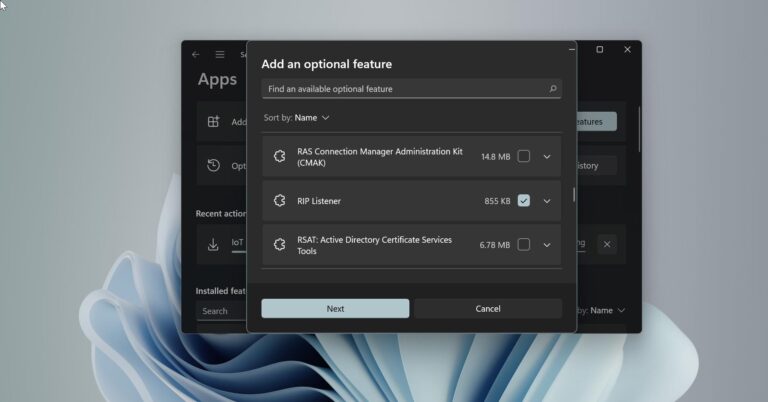
How to Add or Remove Optional Features using Windows PowerShell?
Windows included many optional features, which you can enable or disable based on your…