How To
Guides, scripts, tools and real-world resources for IT professionals.
Showing 1128 articles in How To
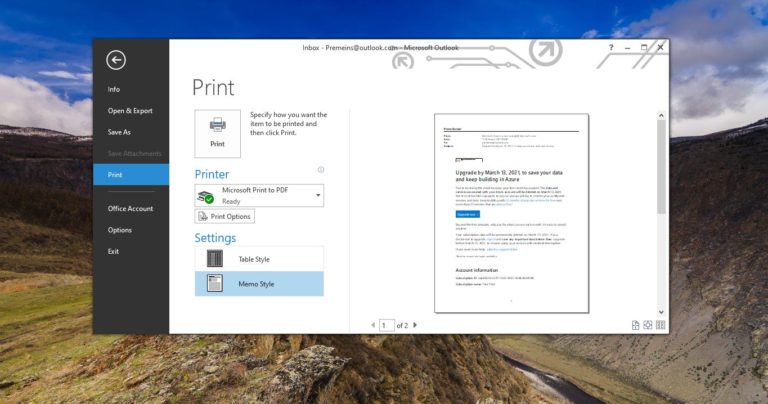
How to Save Outlook Emails in PDF format without any Software?
Microsoft Outlook is an application that is used to send and receive emails. It is very popular among Corporate Companies […]

How to Change New Folder Default Name in Windows 10?
In Windows 10 Creating New folder is really simple, Just Right-click on the Desktop…

How to Add Shutdown to the Right-click Context Menu?
In Windows Shutdown is the Proper way to turn off the computer, it closes…
How to Remotely Access your Computer from other devices?
Recently Google Chrome introduced a Free Remote desktop program called Chrome Remote Desktop. It…
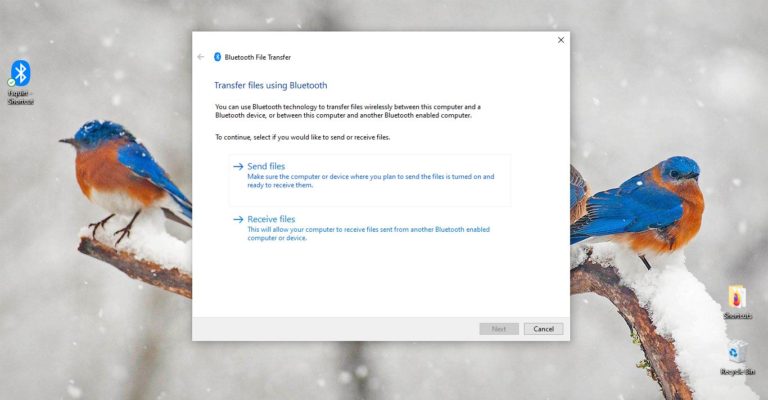
Create a Bluetooth Shortcut on Windows 10
Bluetooth is a wireless communication technology that allows devices such as mobile phones, computers,…
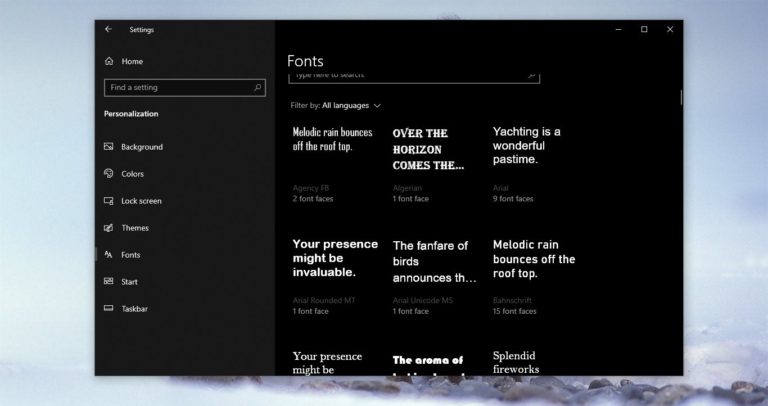
How to Change System font using Registry file in Windows 10?
In Windows 10 there is no direct setting to change the system’s default font.…

How to Launch Firefox in Private mode by default?
Most Recognizable web browsers have a standard browsing feature. This feature is known as…
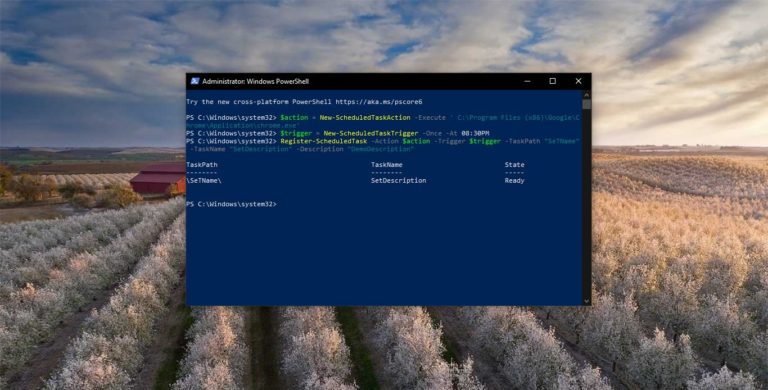
How to Create Scheduled task using PowerShell?
Task Scheduler is a Windows tool that allows you to Create and automate any…

How to Enable or Disable Hibernation Using Command Prompt?
Hibernation in computers refers to the Power Mode that saves your computer’s functions from…
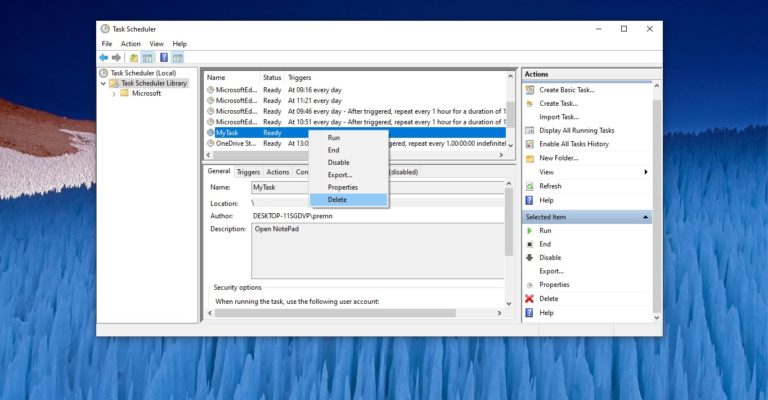
How to Delete Scheduled task Using PowerShell?
Task Scheduler is a Windows tool that allows you to Create and automate any…