Tag: How To
Showing 1267 articles

How to Delete duplicate system tray icons in Windows 11?
The system tray is a small notification area which is located right-hand side of the taskbar. System tray usually contains […]
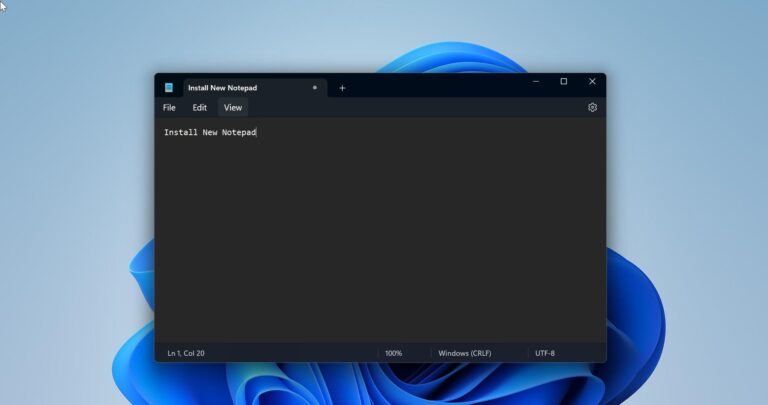
How to Install New Notepad in Windows 11?
Windows 11 recently updated the Notepad which matches the refreshed look of the Operating…
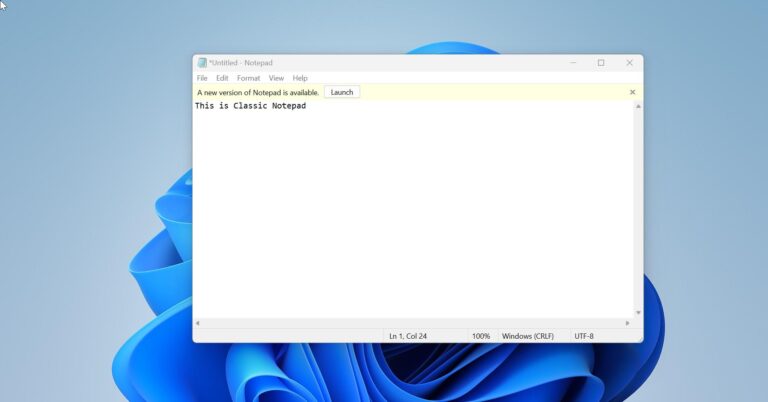
How to Install Classic Notepad in Windows 11?
Windows 11 recently updated the Notepad which matches the refreshed look of the Operating…
How to Change 24-hour time format to 12-hour time format in Windows 11?
By default, Windows 11 comes with a 24-hour time format as a default time…
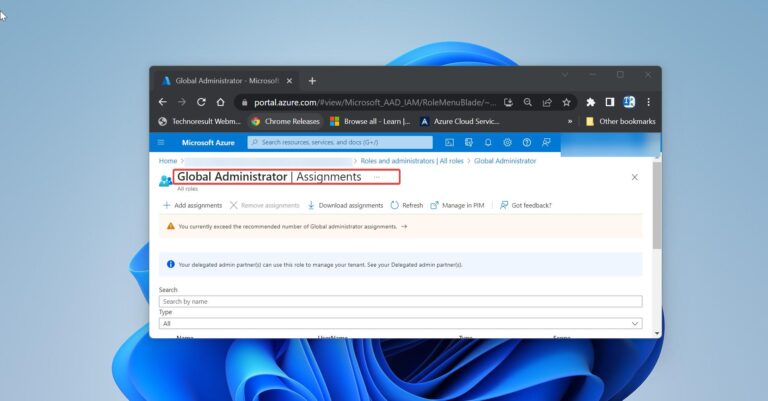
How to find Global Administrator in Azure AD using PowerShell?
Global administrators in Azure Active Directory (Azure AD) have the highest level of administrative…
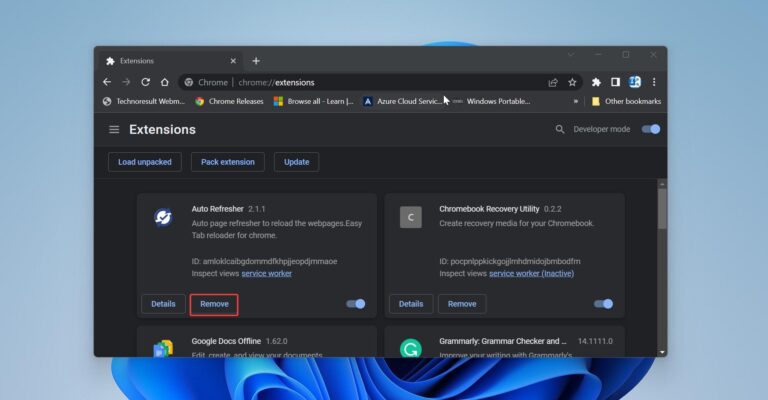
How to Remove Chrome Extension Using PowerShell Script?
Google Chrome extensions are small software programs that are used to customize the browser…

How to disable Clipboard in Windows 11?
Generally, a Clipboard is a section of RAM where your computer stores the copied…
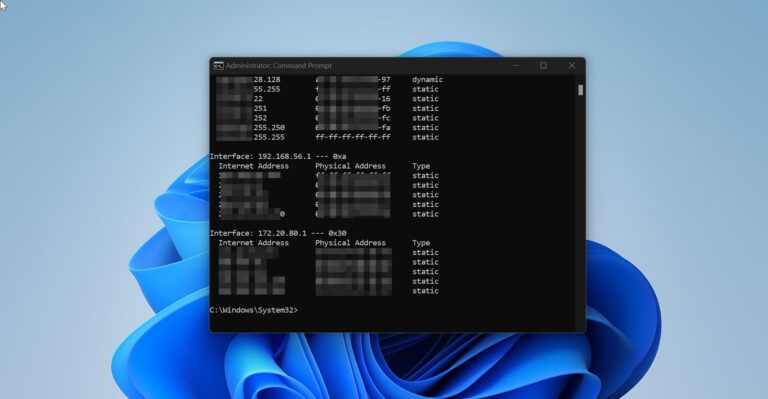
How to Clear ARP Cache using Command prompt in Windows 11?
Address Resolution Protocol (ARP) is a protocol for mapping an Internet Protocol address (IP…

How to Modify Boot Menu Timeout in Windows 11/10?
In this article we’ll show you how to Modify Boot Menu timeout, before proceeding…
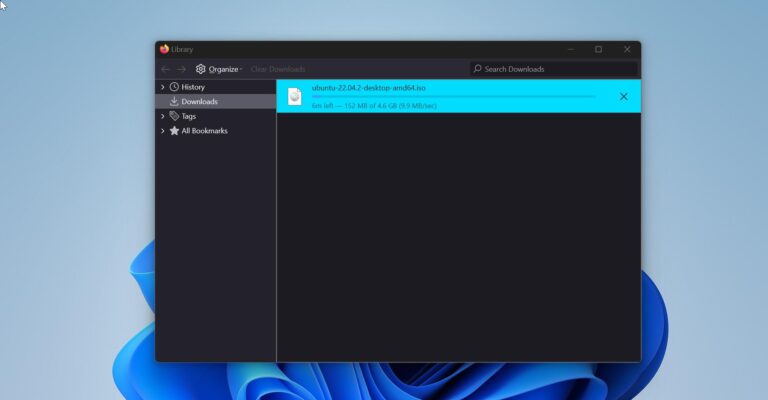
How to Download Faster in Firefox using Parallel Downloading?
Parallel downloads are simply multiple downloads that take place concurrently across multiple domains hosted…