Tag: How To
Showing 1267 articles
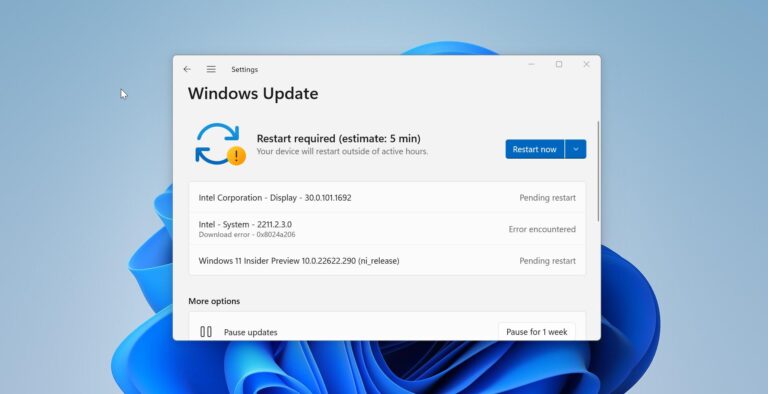
How to Disable Safeguard Hold for feature updates in Windows 11?
Windows 11 is the latest operating system version released by Microsoft, bringing several new features and improvements. To get the […]
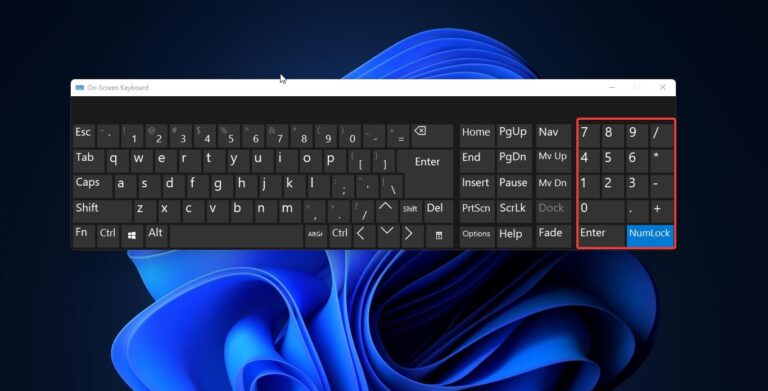
How to Keep Num Lock on Permanently in Windows 11?
Num Lock or Numeric Lock is a key that is present in Keyboards that…

How to Change Snipping Tool Save Location in Windows 11?
Capturing screenshots is an essential feature for many users, whether it’s for work, school,…

How to Enable Super Drag and Drop mode in Microsoft Edge?
Microsoft introduced a new feature called Drag and Drop mode in Microsoft Edge, which…

How to change Desktop Background in Virtual Desktop on Windows 11?
On Windows 11 you can personalize your desktop by setting a desktop background, Changing…
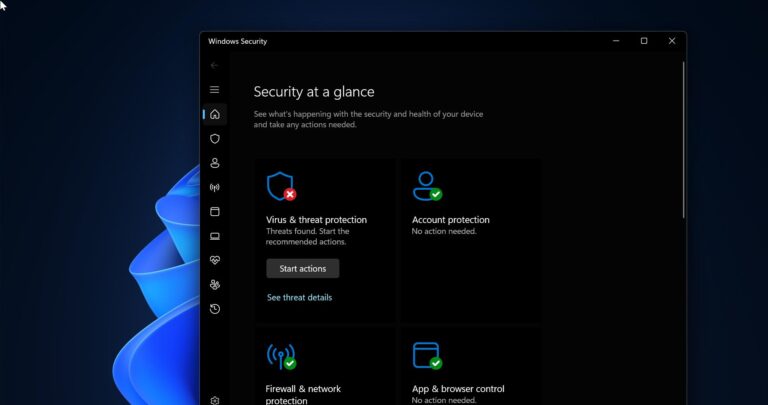
How to Permanently Disable Microsoft Defender in Windows 11?
Windows Defender also known as Windows Security is the Antivirus which is inbuild in…

How to Enable End Task option on Taskbar context menu in Windows 11?
Windows 11 is the latest operating system released by Microsoft, featuring a sleek and…
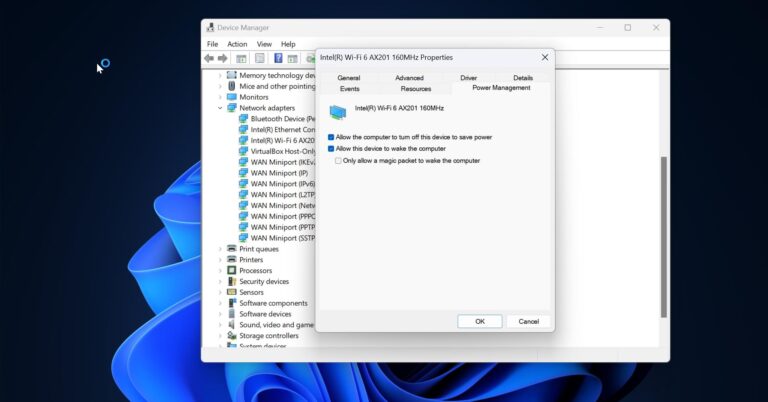
How to Enable Power Management tab in Device Manager?
If you’re trying to change something related to a device’s power management but the…

Recover Missing Sticky Notes in Windows 11 – Ultimate Guide
Sticky Notes helps you to keep track of important reminders, to-do lists, and notes…
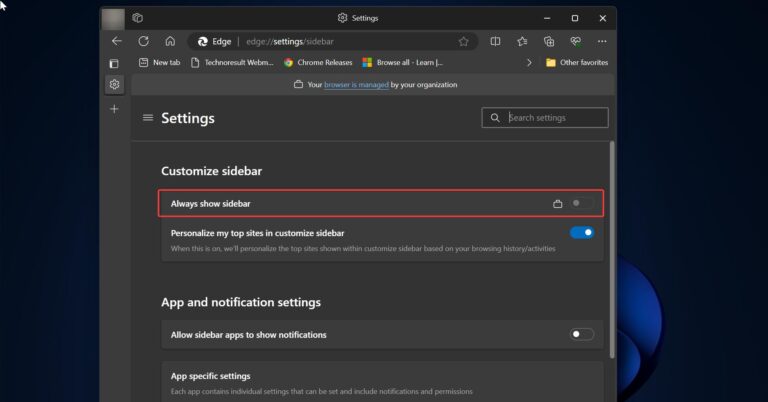
How to Disable the Microsoft Edge Sidebar using Microsoft Intune?
In this article, we will show you how to disable the Microsoft Edge Sidebar…