Tag: Windows Tips
Showing 90 articles
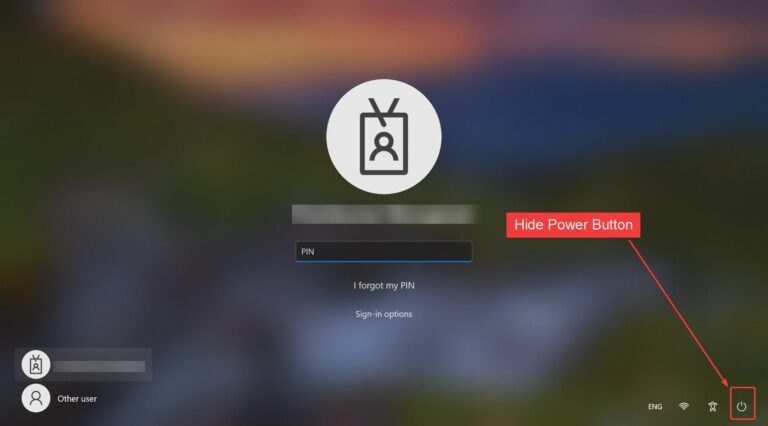
How to Hide Power Button on login screen in Windows 11?
Once you boot your system the first thing you see is Login Screen. Windows 10 login screen allows users to […]
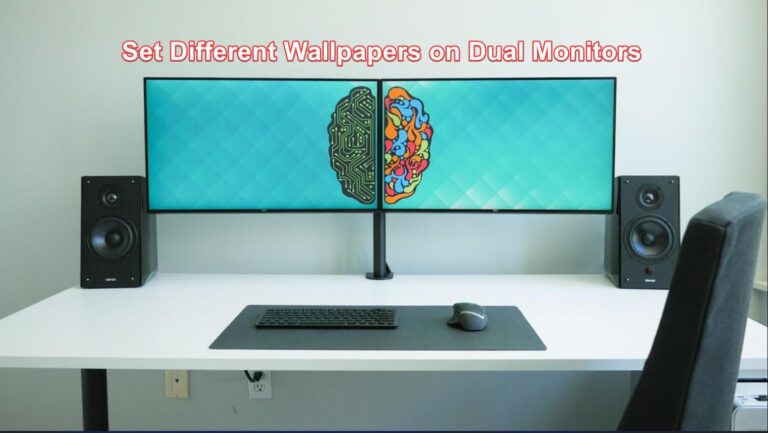
Set Different Wallpapers on Dual Monitors in Windows 11
If you are using a dual monitor setup, and you want to set different…

Enable or Disable Right-Click Context menu in Windows 11/10?
The context menu is the Graphical user interface menu that appears while right-clicking on…

How to Reverse Mouse scrolling in Windows 11?
Scrolling is one of the important actions that we do while using a computer,…

How to Reverse Touchpad scrolling in Windows 11?
Scrolling is one of the important actions that we do while using a computer,…

Switch Drive Letters Before or after the Drive name in Windows 11
In Windows, drive letter assignment is the process of assigning alphabetical identifiers to volumes,…

How to Disable Windows Welcome Experience in Windows 11?
Windows Welcome Experience is the welcome page that is displayed on your computer screen…
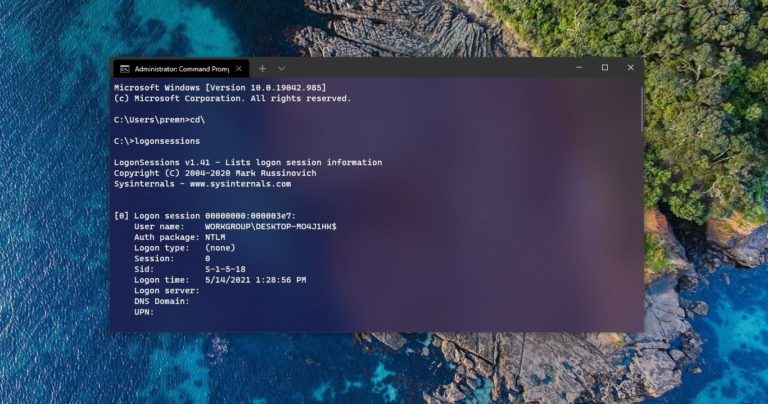
How to List out Current Logon Sessions in Windows?
If you are working in a corporate environment in an IT department then this…

How to Modify Date and Time attributes of files and folders in Windows 10?
In windows the files are managed by File Explorer, File Explorer is the GUI…
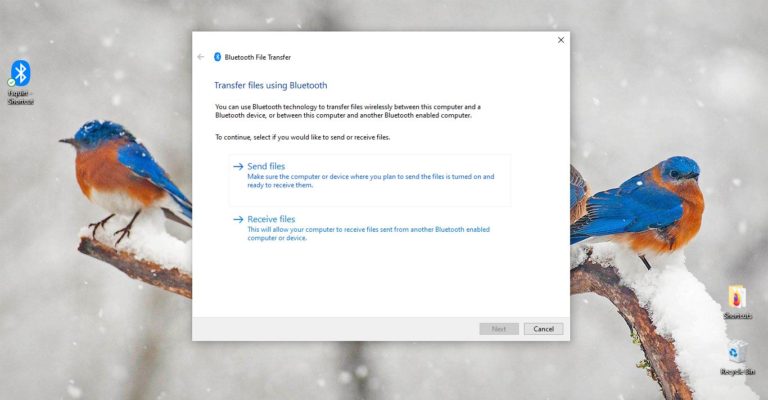
Create a Bluetooth Shortcut on Windows 10
Bluetooth is a wireless communication technology that allows devices such as mobile phones, computers,…