Tag: Windows Tips
Showing 90 articles

How to Remove Hardware Tab in Drive Properties in Windows 10?
Hardware Tab in the Properties window allows you to see the device Properties of the Installed Drive. In this tab, […]

Disable Windows Task Manager Using Ultimate Windows Tweaker
Task Manager is a windows operating system component, which is included in all the…

How to Hide Lock Option from the User Account Profile Picture in Start Menu?
In Windows 10 Lock Option is used to Lock your computer to Protect your…

How to Disable Language Bar in Windows 10?
In Windows 10 Language Bar is a small toolbar specifically designed to switch between…
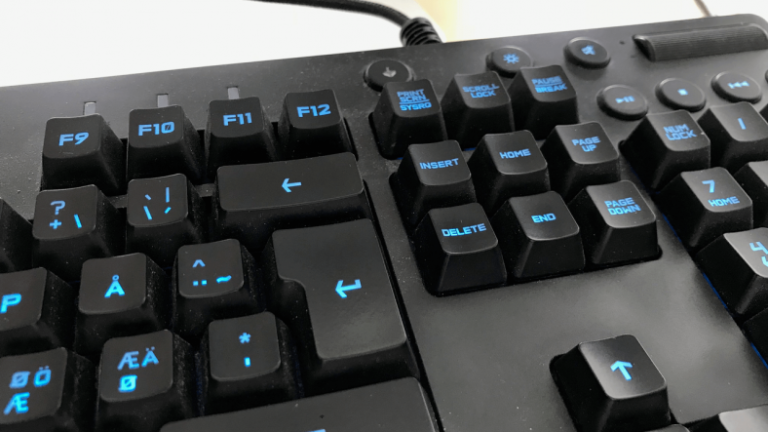
How to Enable or Disable Insert Key in Windows 10?
Insert Key also Known as Ins Keys, which you can found in most of…
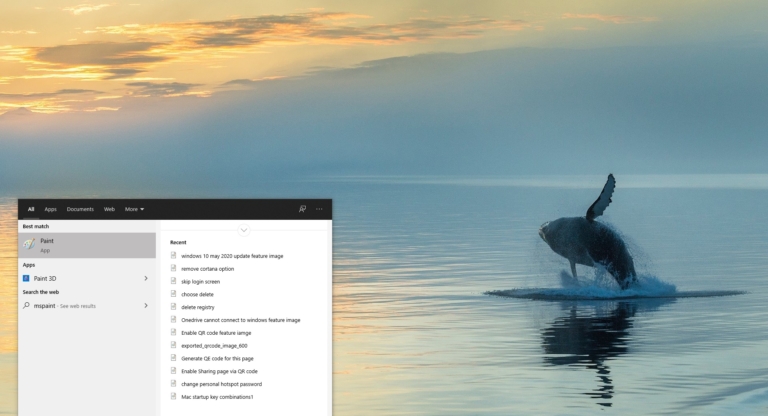
How to clear recent MSPaint History in windows 10?
Microsoft Paint or MS Paint is a legacy graphics drawing software that is included…

Login Directly to Windows Desktop without giving username/password?
Usually, if you set a password to any computer, the Login Screen is the…
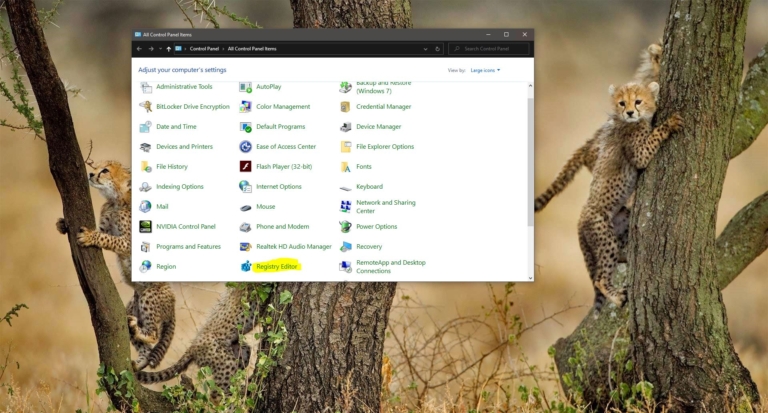
Add Registry Editor to the control Panel in Windows 10?
Windows Registry is the heart and soul of the Microsoft Windows Operating system, Windows…

Import or Export Tasks from the Task Scheduler in Windows 10?
Task Scheduler is a Windows tool that allows you to Create and automate any…
How to Create Bootable USB without formatting?
There are many ways to create a bootable USB, Like from Command prompt, PowerShell,…