Tag: Windows 10
Showing 1099 articles

How to Change Snipping Tool Save Location in Windows 11?
Capturing screenshots is an essential feature for many users, whether it’s for work, school, or personal use. The Snipping Tool […]

How to change Desktop Background in Virtual Desktop on Windows 11?
On Windows 11 you can personalize your desktop by setting a desktop background, Changing…
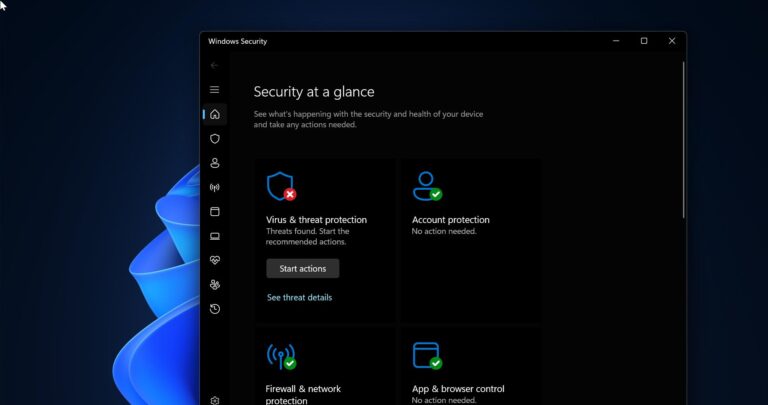
How to Permanently Disable Microsoft Defender in Windows 11?
Windows Defender also known as Windows Security is the Antivirus which is inbuild in…
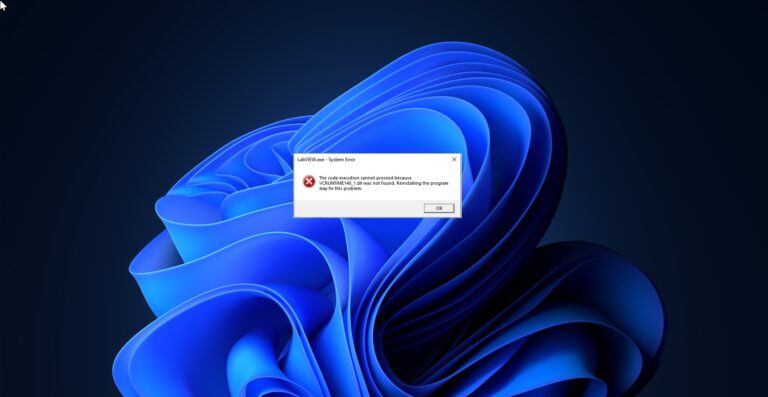
Fix vcruntime140.dll was not found error on Windows 11
If you are encountering the following error “vcruntime140.dll was not found” error while opening…

Fix your PIN isn’t available error code 0x80090016 in Windows 11
If you are encountering the following error “Something went wrong and your PIN isn’t…

Fix Outlook fonts have changed automatically in Reading Pane
Outlook is a widely used email client that helps users manage their emails, contacts,…
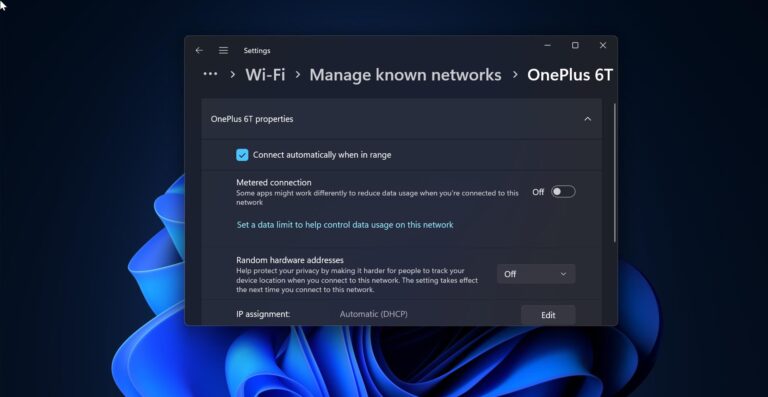
How to Troubleshoot and Fix Wi-Fi Not Connecting Automatically?
In Windows 11/10 Wifi will connect automatically once you save your Wifi network, also…

Recover Missing Sticky Notes in Windows 11 – Ultimate Guide
Sticky Notes helps you to keep track of important reminders, to-do lists, and notes…

Fix External Monitor Not Detecting Issue in Windows 11
Nowadays most of the users use Dual Monitor setup, to increase their productivity, Dual…

How to Enable CTRL+ALT+DEL Secure sign-in on Windows 11?
In this article, we’ll see how to enable CTRL+ALT+DEL secure sign-in in Windows 11.…