How To
Guides, scripts, tools and real-world resources for IT professionals.
Showing 1128 articles in How To
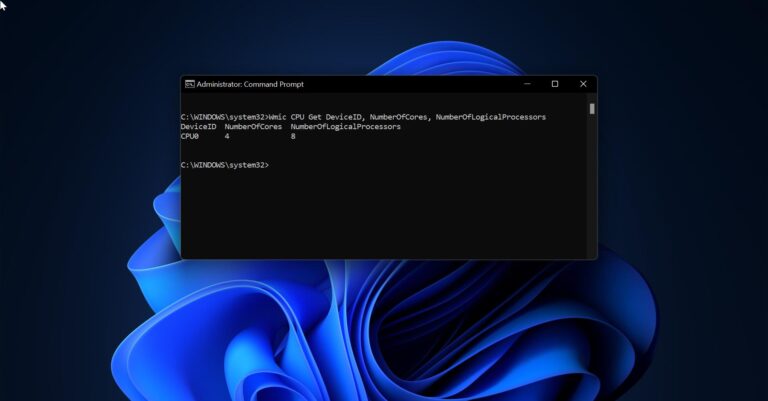
How to get BIOS, CPU, and Motherboard info using Command prompt?
Before using any computer, knowing the hardware and software information about the computer is basic and necessary thing. Knowing the […]
How to Switch Out from S Mode in Windows 11?
Switching out from S Mode in Windows 11 is very simple, with a single…

How to move User Folder to another drive in Windows 11?
In Windows by default users folder will store in the C drive and inside…
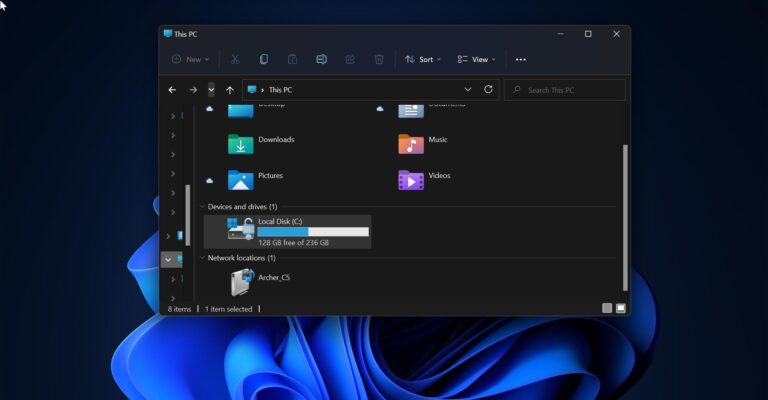
How to Change the Default Folder in File Explorer on Windows 11/10?
In Windows by default, if you open File Explorer it will show the Quick…

How to Disable Pop-up blocker on Browsers?
Pop-ups are small window that will appear and interfere with your browsing experience, to…
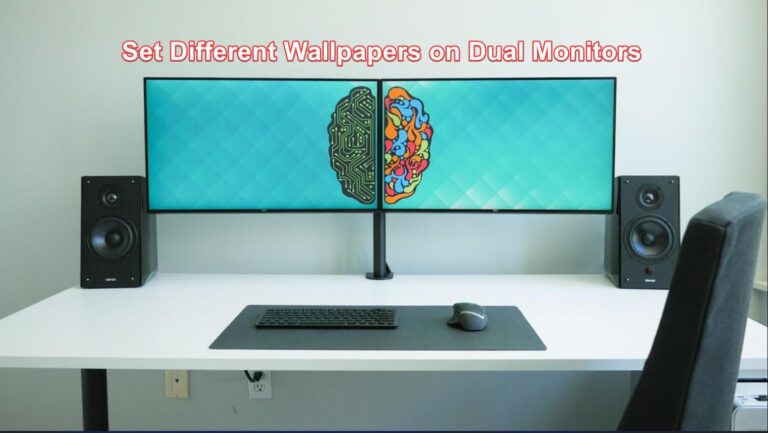
Set Different Wallpapers on Dual Monitors in Windows 11
If you are using a dual monitor setup, and you want to set different…
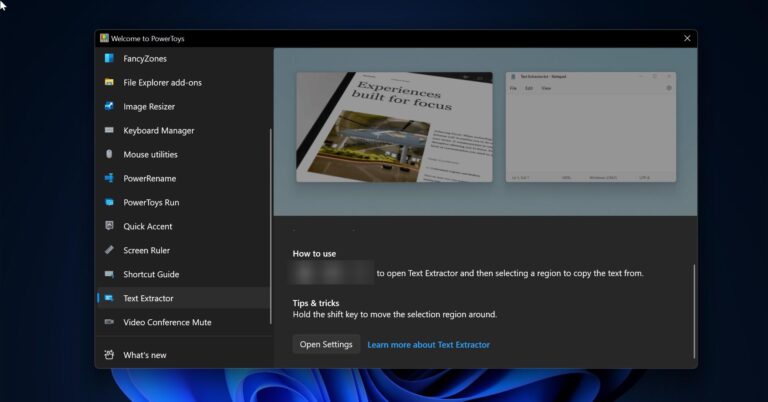
Extract Text from Pictures using PowerToys in Windows 11
If you are looking for a way to extract Text from any Image, then…

How to Uninstall Xbox Game Bar in Windows 11?
Xbox is an app available on all your compatible Windows 10/11 devices, the Xbox…
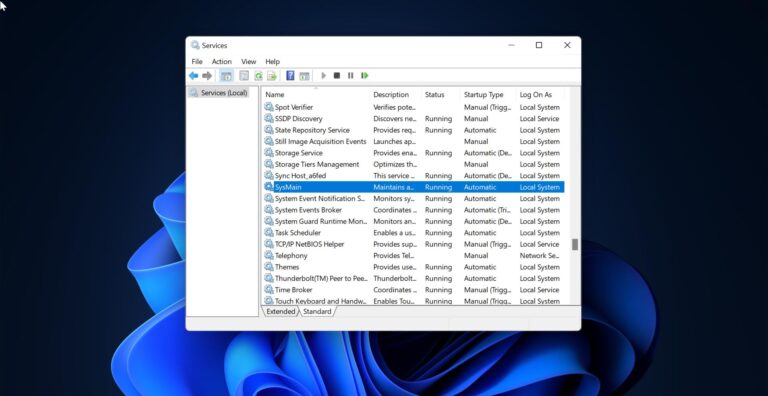
How to Enable or Disable Superfetch in Windows 11/10?
SuperFetch is a Standard Windows feature that is introduced in Windows Vista and it…
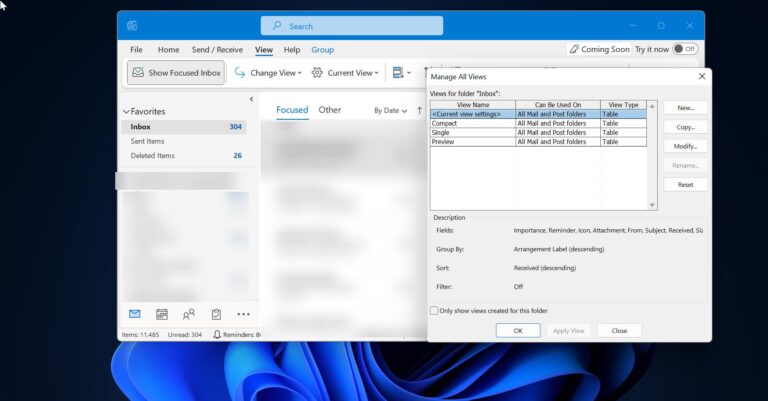
How to Reset Outlook View settings and navigation pane?
Outlook view settings define how items appear on your screen, if you modified the…