How To
Guides, scripts, tools and real-world resources for IT professionals.
Showing 1128 articles in How To
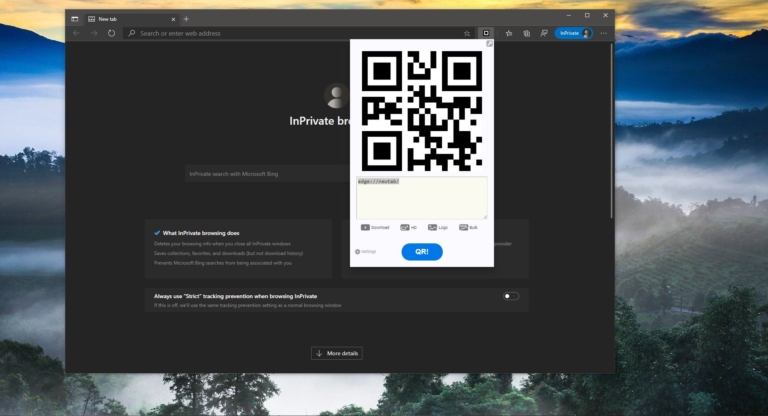
How to Enable Extensions in InPrivate Browsing Mode in Microsoft Edge?
Private Browsing is also known as Incognito Mode is a feature that actually disables the browsing history of the browser. […]

How to Change Download Location for Microsoft Store Apps?
Microsoft Store is also known as the Windows Store, which is introduced in Windows…

How to Delete or Forget Wifi Network Profile in Windows 10?
Wi-Fi is a technology that allows users to connect to the internet wireless. It…

How to Hide Lock Option from the User Account Profile Picture in Start Menu?
In Windows 10 Lock Option is used to Lock your computer to Protect your…
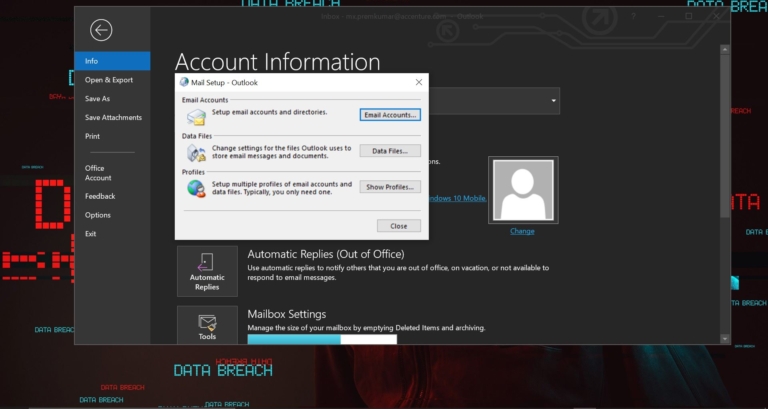
How to Repair Outlook PST and OST Data files?
In Outlook to configure an email account the first thing, you need to add…
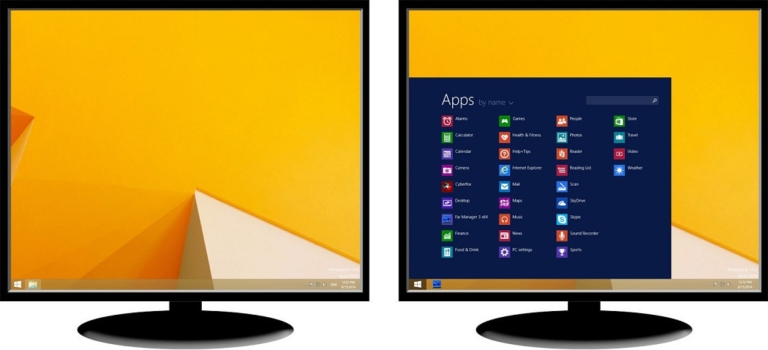
How to Enable Taskbar on dual Monitors in Windows 10?
Taskbar is an element of an operating system located at the bottom of the…
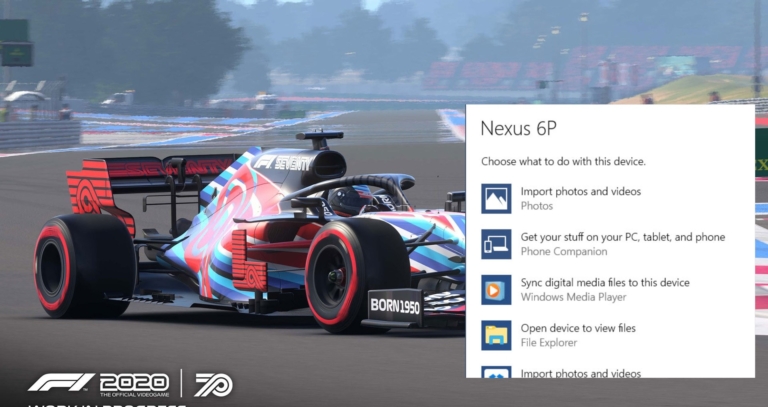
How to Disable AutoPlay Settings in Windows 10?
In Windows 10 have you ever notice, while connecting a USB drive, memory card,…

How to Disable Language Bar in Windows 10?
In Windows 10 Language Bar is a small toolbar specifically designed to switch between…
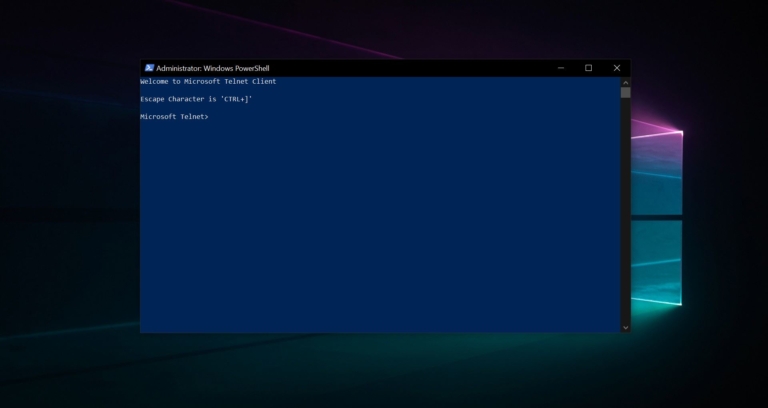
How to Enable Telnet Using PowerShell in Windows 10?
Telnet is a user command and an underlying TCP/IP protocol for accessing remote computers.…
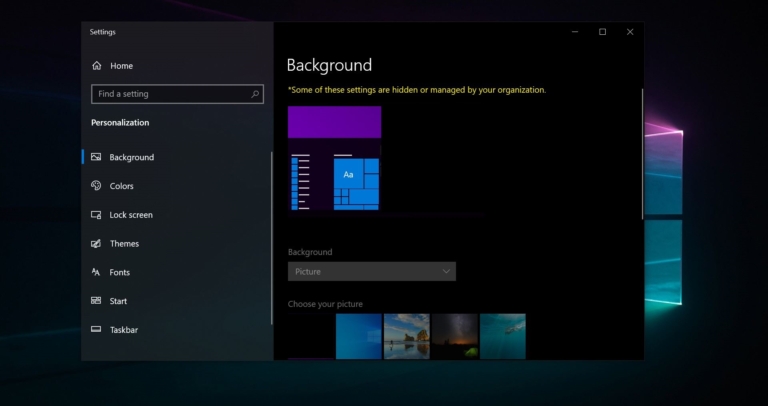
How to Change Desktop Background set by Your Organization?
Changing Wallpaper is one of the easiest task in windows 10, You can download…