Tag: File Explorer
Showing 41 articles

Disable Taskbar Thumbnail Preview in Windows 10
In Windows 10, whenever you open any program or app, that program or app will show in Taskbar. When you […]

How to fix Taskbar thumbnail not showing in Windows 10?
In Windows 10, whenever you open any program or app, that program or app…

How to Modify Date and Time attributes of files and folders in Windows 10?
In windows the files are managed by File Explorer, File Explorer is the GUI…
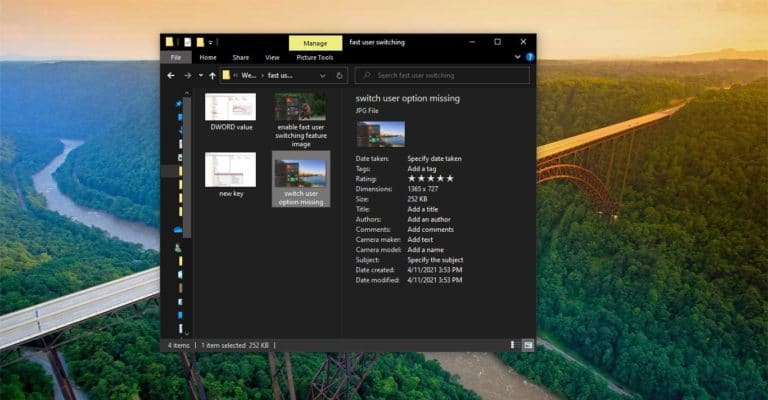
How to Enable Details pane in File Explorer on Windows 10?
Windows File Explorer is the file browser which is used to navigate and manage…
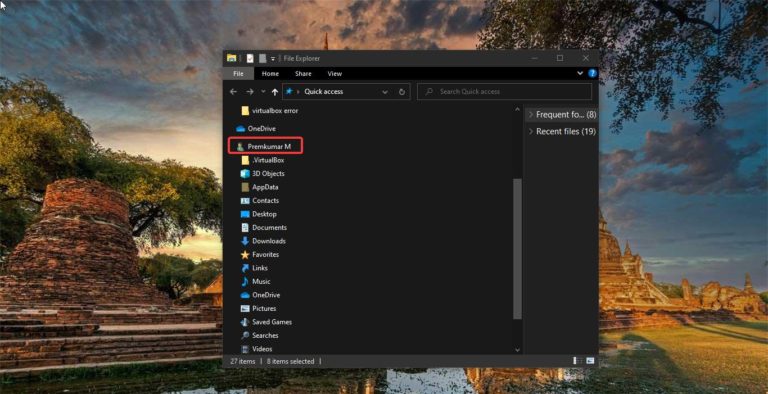
Add User Profile folder to Navigation Pane to File Explorer
In Windows environment, a user profile is a record of user-specific data that defines…
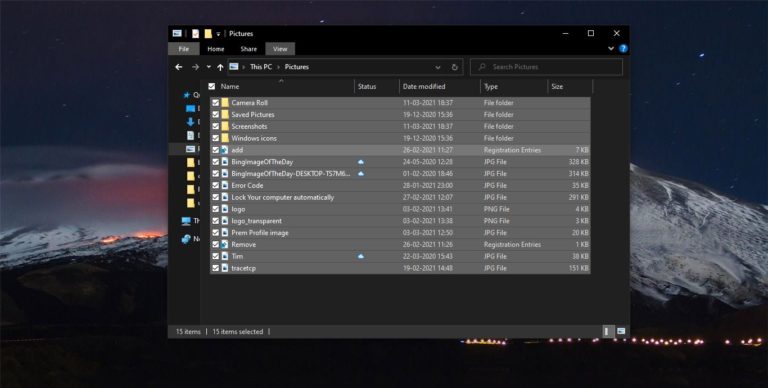
How to Enable Check Boxes to select items in Windows 10?
In Windows 10 File Explorer usually to select multiple items (Files, images, or Folders)…

How to Change New Folder Default Name in Windows 10?
In Windows 10 Creating New folder is really simple, Just Right-click on the Desktop…

How to Remove OneDrive from File Explorer Navigation Pane?
Windows File Explorer is the file browser which is used to navigate and manage…

How to Remove Hardware Tab in Drive Properties in Windows 10?
Hardware Tab in the Properties window allows you to see the device Properties of…

How to Disable Security Tab from File Explorer in Windows 10?
In Windows 10 File Explorer Properties gives you information about that particular files, such…