Tag: How To
Showing 1267 articles
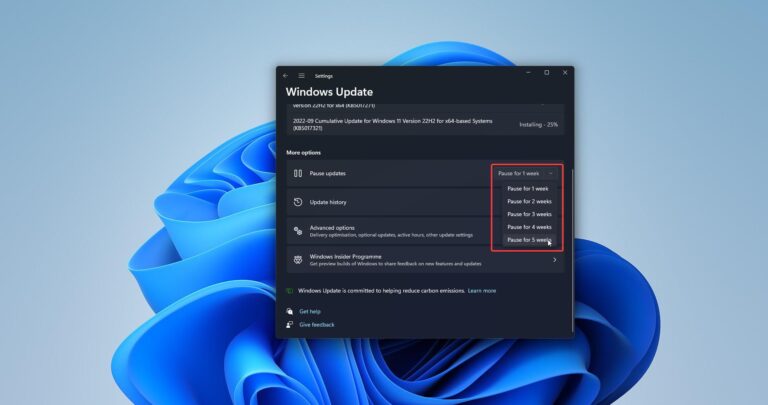
How to Increase Pause Windows Update Days in Windows 11?
Windows automatically downloads and installs updates, drivers, and hotfixes released by Microsoft based on the Windows Insider channel. There are […]
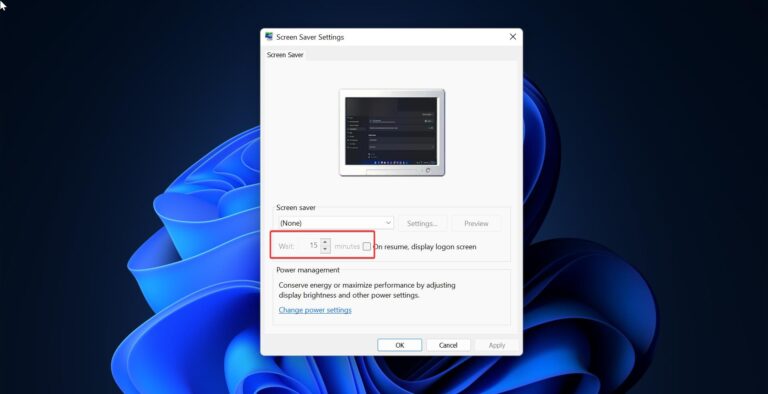
Set Lockout time to Automatically Lock Computer using Registry Editor
Windows will automatically Lock your computer after you have been inactive for over a…
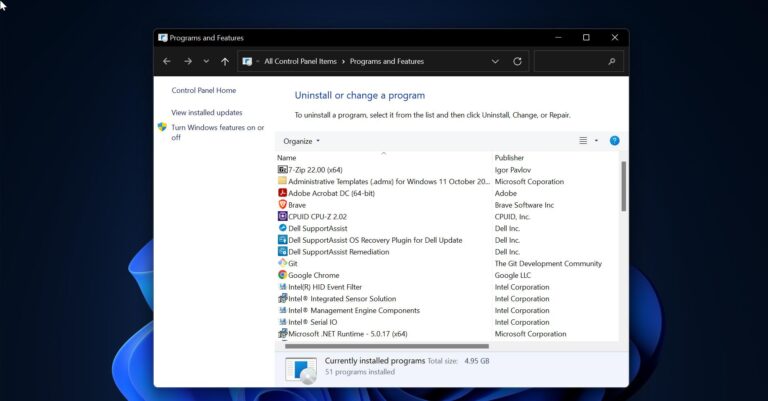
How to Uninstall Programs using Registry in Windows 11/10?
In Windows 11/10 you can uninstall a program using different methods, like Using Windows…

How to Disable Keyboard Shortcuts on Windows 11/10?
Windows key is a very popular key which has a windows logo on it,…
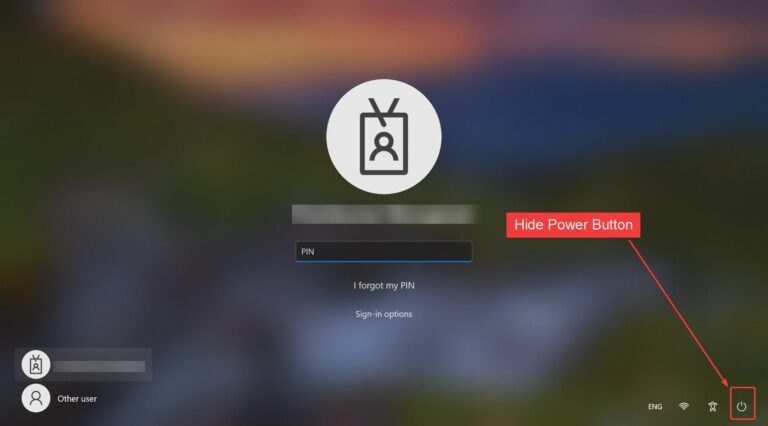
How to Hide Power Button on login screen in Windows 11?
Once you boot your system the first thing you see is Login Screen. Windows…
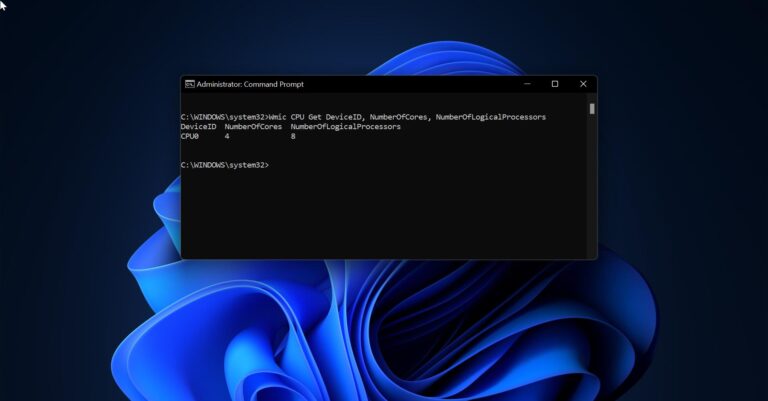
How to get BIOS, CPU, and Motherboard info using Command prompt?
Before using any computer, knowing the hardware and software information about the computer is…
How to Switch Out from S Mode in Windows 11?
Switching out from S Mode in Windows 11 is very simple, with a single…

How to move User Folder to another drive in Windows 11?
In Windows by default users folder will store in the C drive and inside…
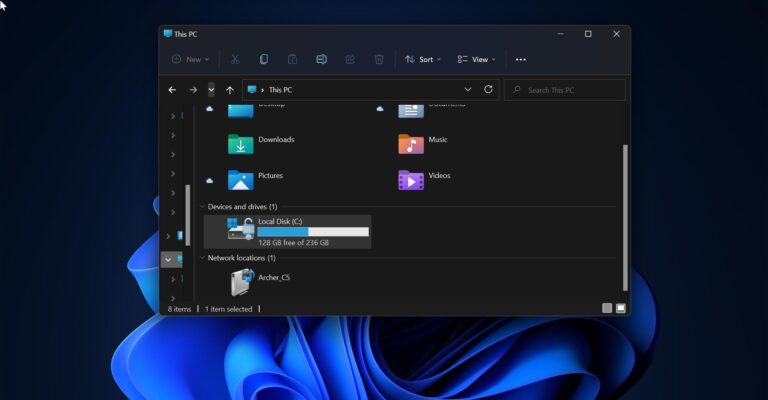
How to Change the Default Folder in File Explorer on Windows 11/10?
In Windows by default, if you open File Explorer it will show the Quick…

How to Disable Pop-up blocker on Browsers?
Pop-ups are small window that will appear and interfere with your browsing experience, to…