Tag: How To
Showing 1267 articles

How to Block/Unblock inbuilt Windows apps in Windows 11?
Windows 11 comes with some pre-installed Windows apps, like Paint, Photos, Media Player, snipping tool, calendar, calculator, Microsoft Store and […]

How to enable Task Manager option in Taskbar context menu on Windows 11?
In Windows 10 operating system, we can easily access the Task Manager from the…

How to Disable Keyboard beeping sound in Windows 11/10?
In Windows Keyboard will produce sound while pressing certain keys, if you notice correctly,…
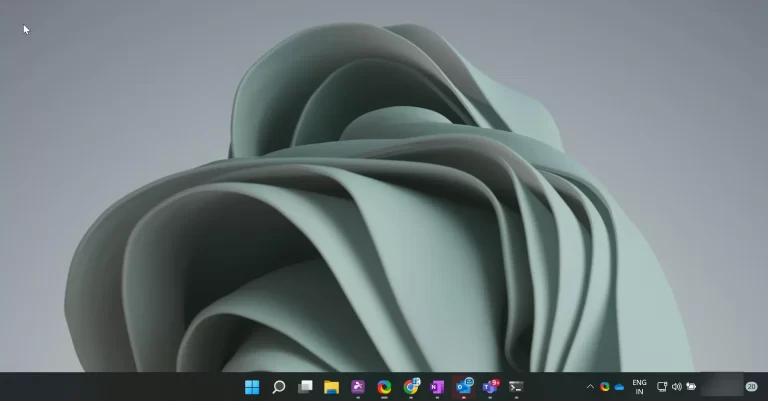
Backup and restore Taskbar Pinned items on Windows 11
Windows 11 taskbar by default comes with the Start menu, Task view, Widgets, Chat,…

Extend Rollback to Windows 10 time limit in Windows 11
Windows 11 allows you to rollback from Windows 11 to Windows 10, if you…
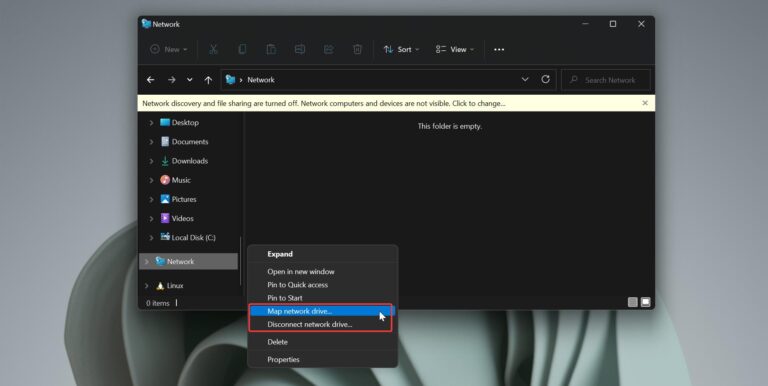
Remove Map Network Drive from Context menu in Windows 11
Mapping a Network Drive or Folder in Windows 10 is easy, mapping a drive means getting…
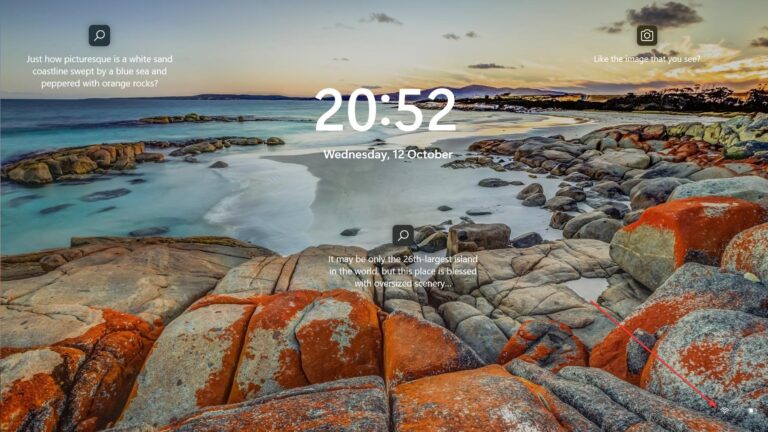
How to Disable Network icon on Login Screen in Windows 11?
In Windows 11, the Network icon is visible on both the login screen and…

How to Disable Tab preview in Google Chrome?
Google Chrome browser comes with a built-in feature called, preview for tabs, and it’s…

Increase\Decrease Scroll speed in Windows 11
Scroll bar commonly located on the far right or bottom of windows that allows…

How to Block Ads in Windows 11 File Explorer?
Windows 11 comes with a lot of improvements and new features, also Microsoft included…