Windows 11
Guides, scripts, tools and real-world resources for IT professionals.
Showing 611 articles in Windows 11

Number of Ways to Enable Telnet in Windows 11
Telnet is a user command and an underlying TCP/IP protocol for accessing remote computers. Through Telnet, an administrator or another […]
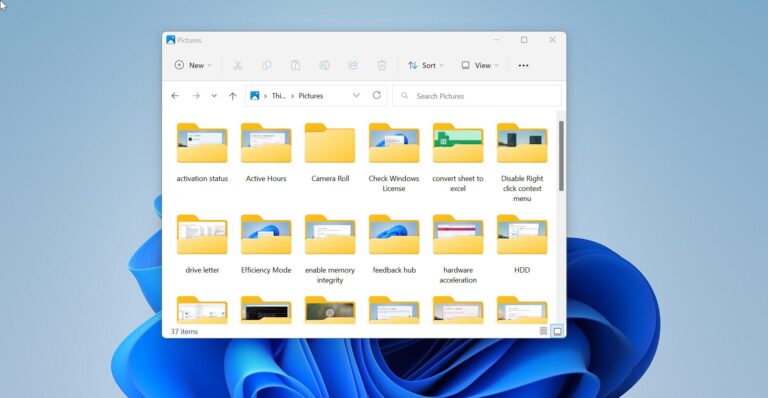
How to Hide the Navigation pane in Windows 11 File Explorer?
Microsoft updated the final version of File Explorer in the recent Windows 11 Insider…
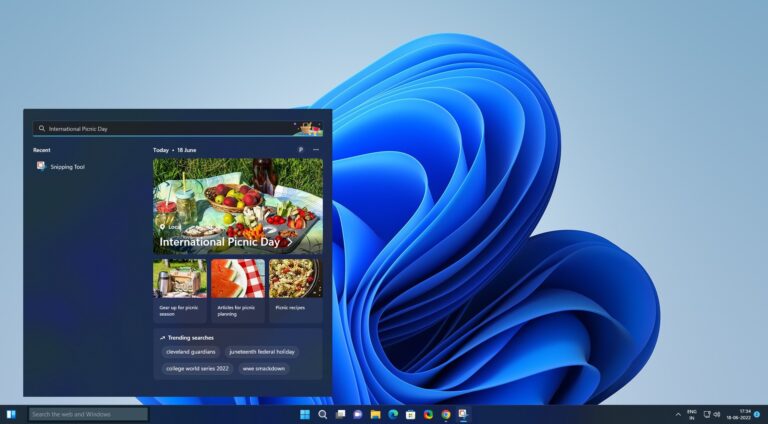
How to Add Search bar to Windows 11 taskbar?
Windows 11 Search comes with a few minor tweaks and improvements, it is much…
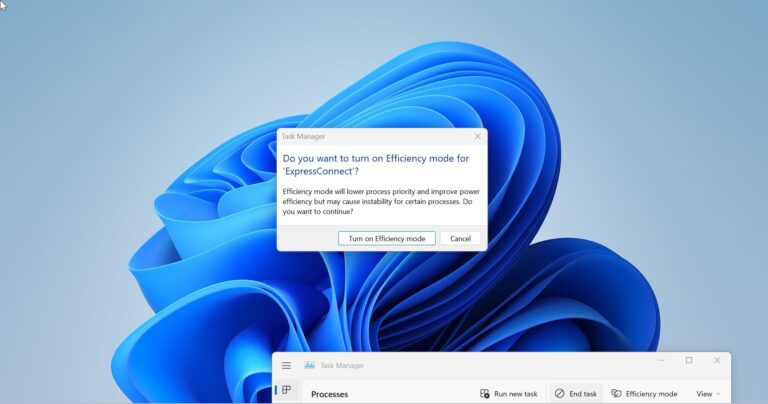
How to Enable Efficiency Mode in Windows 11 Task Manager?
Microsoft is introducing a lot of new features in Windows 11, Task Manager has…

Enable or Disable Right-Click Context menu in Windows 11/10?
The context menu is the Graphical user interface menu that appears while right-clicking on…

Fix Outlook: The operation failed due to a registry or installation problem error
This troubleshooting guide will help you to fix the following error from Microsoft Outlook,…

Fix PowerShell Deployment failed with HRESULT 0x80073D02
If you are receiving Deployment failed with HRESULT 0x80073D02 error then you are trying…
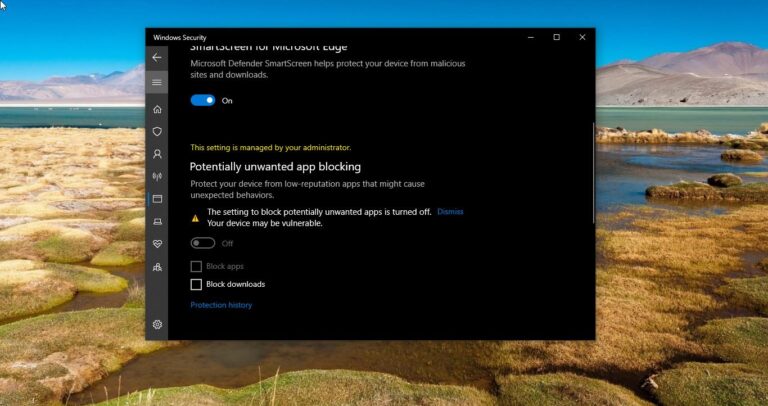
How to Disable/Enable PUA protection in Microsoft Defender?
PUA or Potentially Unwanted application Protection is a feature, which is included in Microsoft…
How to Restore Apps and Folders after restart in Windows 11?
In Windows 11 you can customize settings to restore apps and folders after the…

How to Reverse Mouse scrolling in Windows 11?
Scrolling is one of the important actions that we do while using a computer,…