How To
Guides, scripts, tools and real-world resources for IT professionals.
Showing 1128 articles in How To
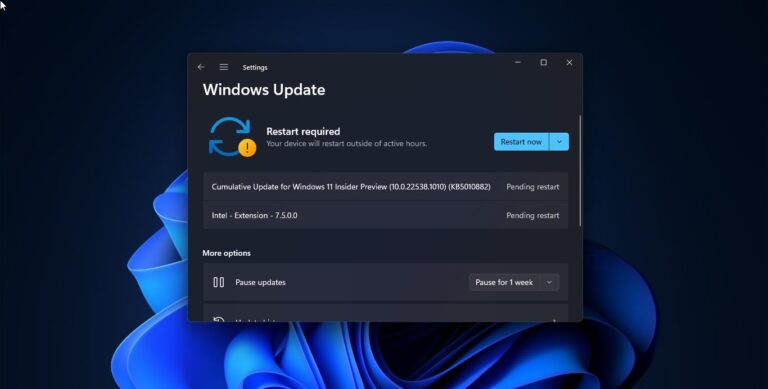
How to Remove Pending Updates on Windows 11?
Windows 11 usually receive updates based on the Windows Insider Channel, if you are in dev or beta channel then […]
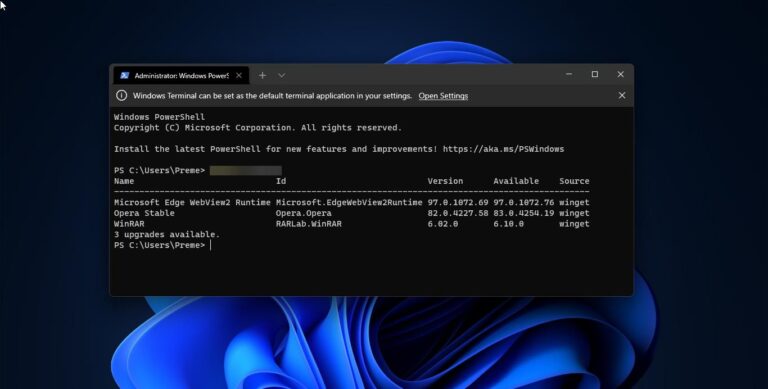
Easy Way to Update Windows apps via Winget command in Windows 11
In this tutorial we are going to how to update Windows apps via Winget…
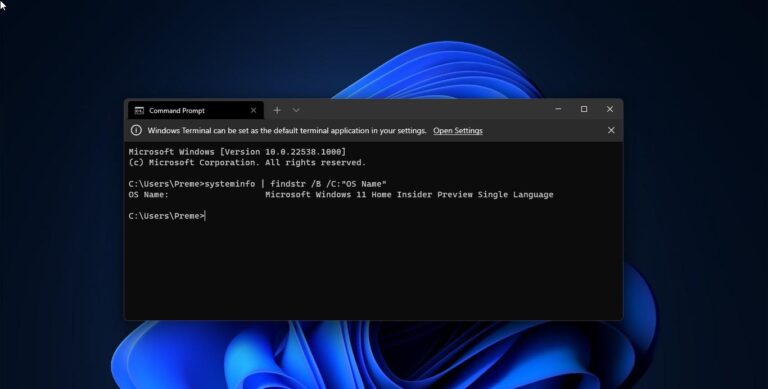
How to check Version of Installed Windows 11 Edition?
This article will guide you to Check the current version of the Windows Operating…

How to Create Drop Cap using Microsoft Publisher?
Drop Cap is a Large first letter that you can insert in the first…
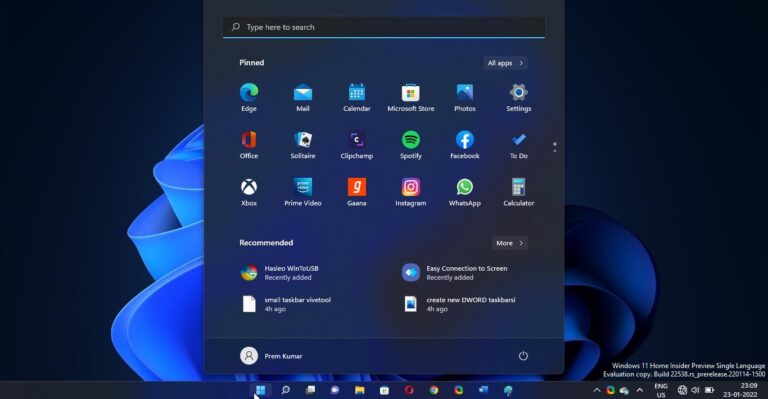
How to Enable Small Taskbar in Windows 11?
In Windows 11 Resizing Taskbar has lot of limitations, You can’t set the Taskbar…

How to Change the Alt-Tab View in Windows 11?
Alt+Tab is the common name for a keyboard shortcut that has been in Microsoft…
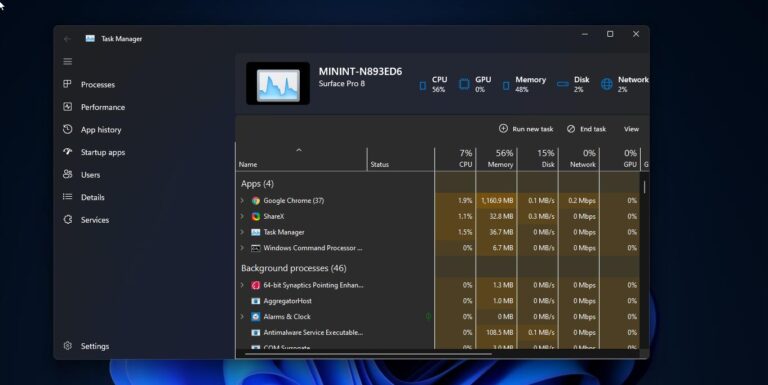
How to Get New Task Manager on Windows 11?
Microsoft included a new Task Manager in Windows 11 starting from the Insider Preview…

Move Local User Profile to another drive or partition in Windows 11/10
User profile is a record of user-specific data that defines the user’s working environment.…
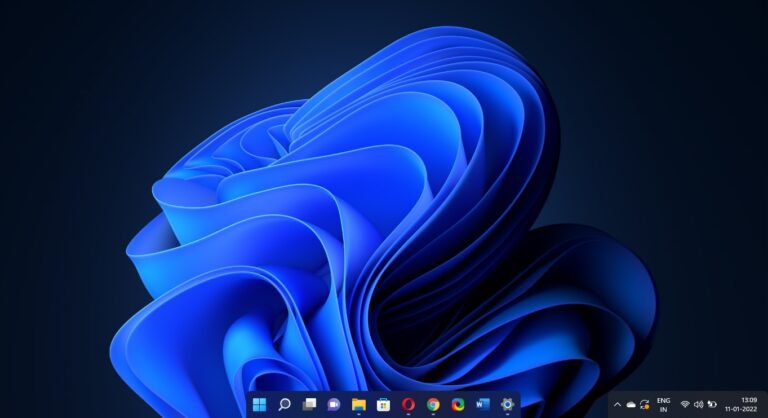
How to Get macOS-like dock in Windows 11 Taskbar?
Microsoft has made a lot of changes and improvements in the Windows 11 Taskbar,…

How to clear Desktop Background History in Windows 11?
In Windows 11 to change the wallpaper, you will directly click on personalize and…