How To
Guides, scripts, tools and real-world resources for IT professionals.
Showing 1128 articles in How To
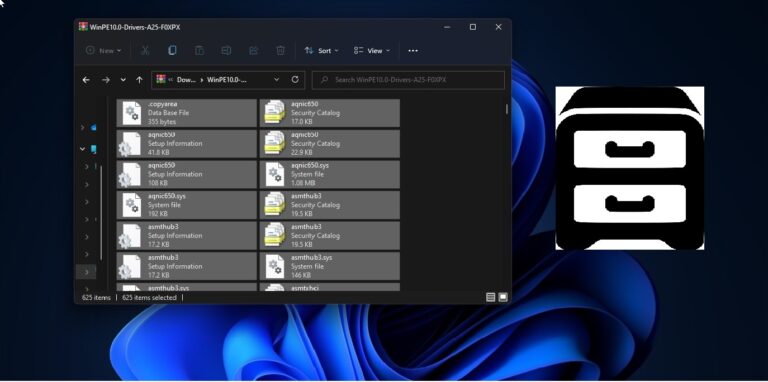
How to Update Drivers using CAB file in Windows 11/10?
CAB files is called as Cabinet file and they used to be called as Diamond files. Generally, CAB files are […]
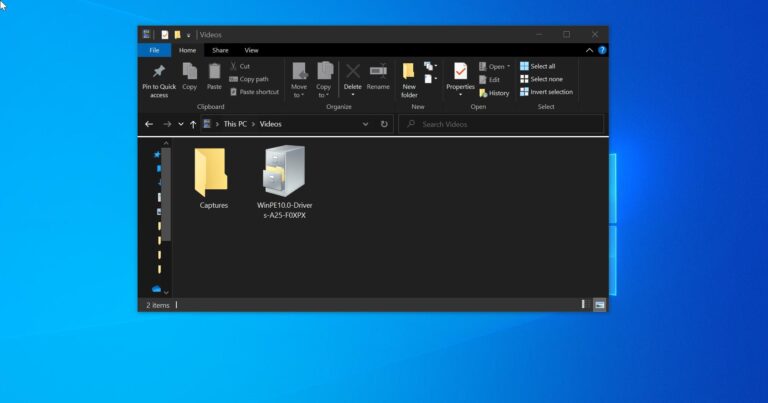
How to install CAB file in Windows 10/11?
In this article we’ll see what CAB file is and how to install CAB…

How to Remap Keyboard Keys in Windows10/11?
Generally, Keyboard remapping is the way of altering the current keystrokes sequence, the sequence…
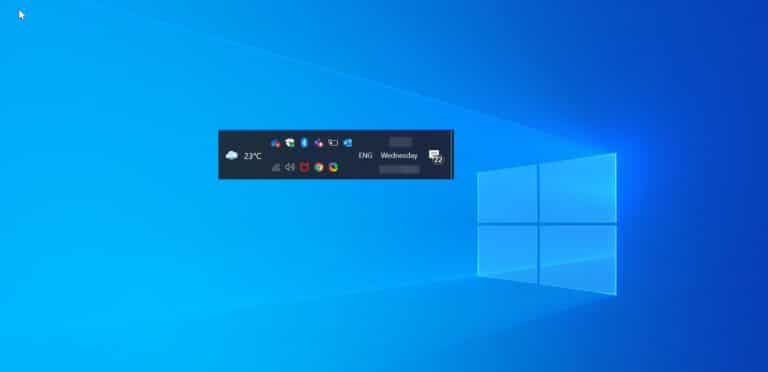
How to Display Notification area icons in Two Rows in Windows 11?
The system tray is a small notification area which is located right-hand side of…
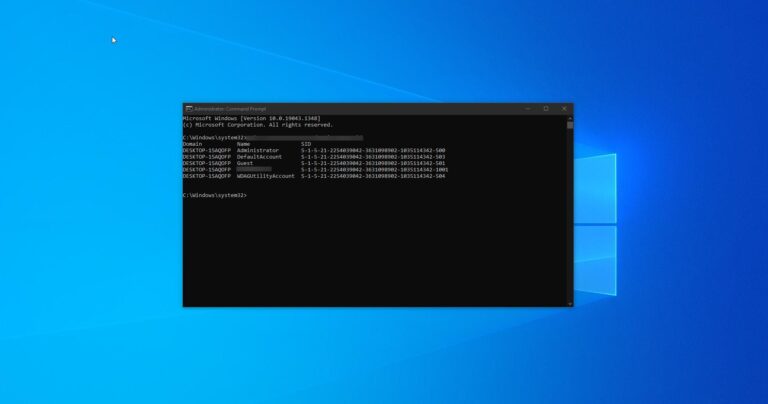
How to find SID Security Identifiers using command prompt in Windows 10/11?
SID also known as Security Identifiers, which is used to identify the users, groups,…

How to show the lock screen background picture on the sign-in screen?
Lock Screen is a feature which is introduced in Windows 8 and got developed…

How to Open any Folder using Keyboard Shortcut in Windows 11?
Keyboard Shortcut is an action that is used to open any program or app…
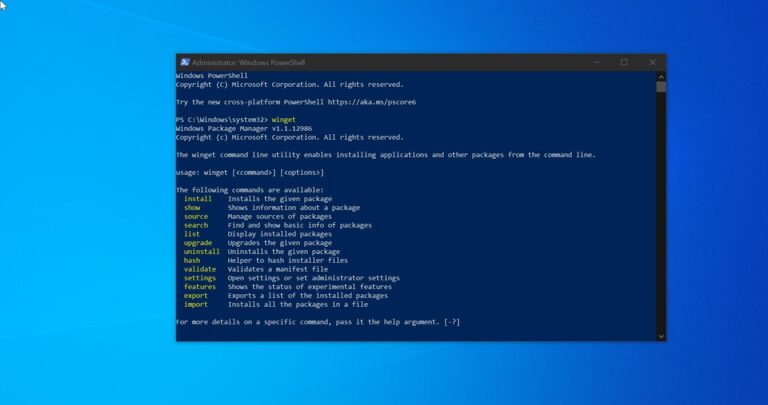
What is Winget and how to install Winget in Windows 11?
Windows Package Manager also known as Winget is a comprehensive package manager solution that…
How to Find Product Key using Command Prompt in Windows 10/11?
In Windows Product Key is a 25-Character code, which is used to activate Windows…

How to remove Pin to Quick access from the context menu in Windows 11?
In Windows 10/11 Quick access is a feature that provides an easy way to…