How To
Guides, scripts, tools and real-world resources for IT professionals.
Showing 1128 articles in How To

How to Add Group Policy Editor in Windows 10 Home?
Group Policy Editor is a Windows feature that is included in all the versions of the Windows Operating system. Group […]
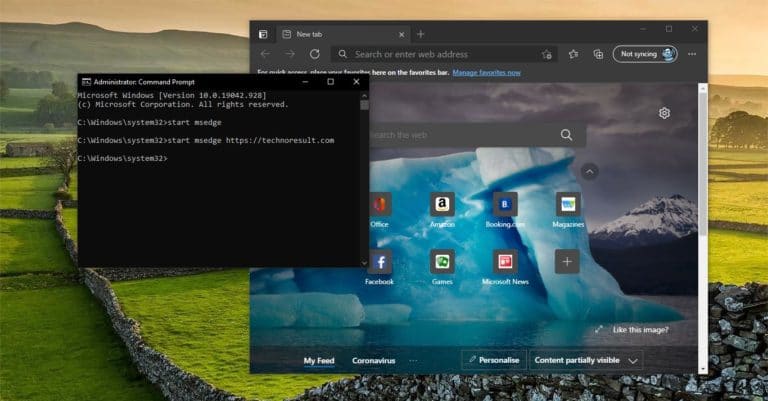
How to Launch Microsoft Edge Using Command Prompt?
Microsoft Edge is the second most popular browser for Desktop, Edge earned this reputation…

How to Hide Notification Number on Action Center icon?
Windows 10 Action Center is the area where you’ll get all your notifications and…

Show/Hide Programs and Features in Control Panel
In Windows Programs and Features is the page that comprises an index of all…
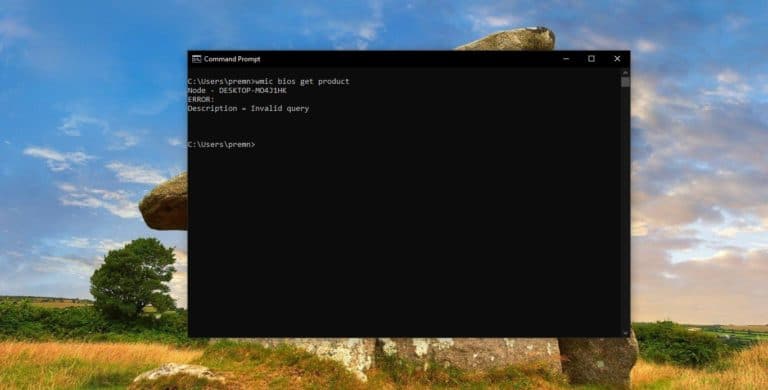
What is Service Tag? Find Service Tag on Windows 10 Laptops
Service Tag is a unique number that is allocated to each Hardware Products to…
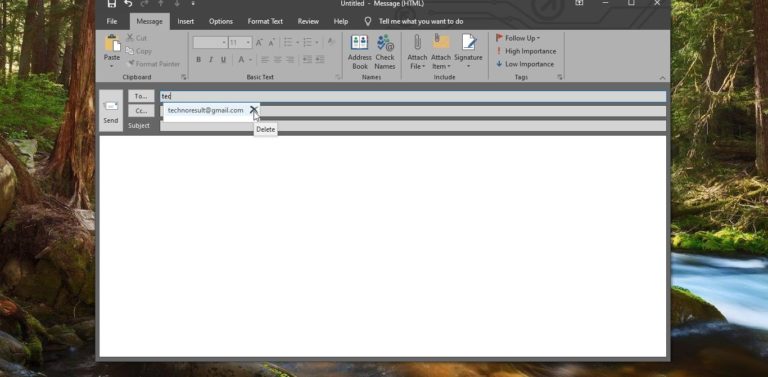
How to Clear Auto-Complete list Cache in Outlook?
In Outlook, the Auto-Complete list is used by both the automatic name-checking feature and…

Disable Storage Sense using Registry Editor in Windows 10
Storage sense is the Advance version of the Disk Utility Tool to monitor Disk…
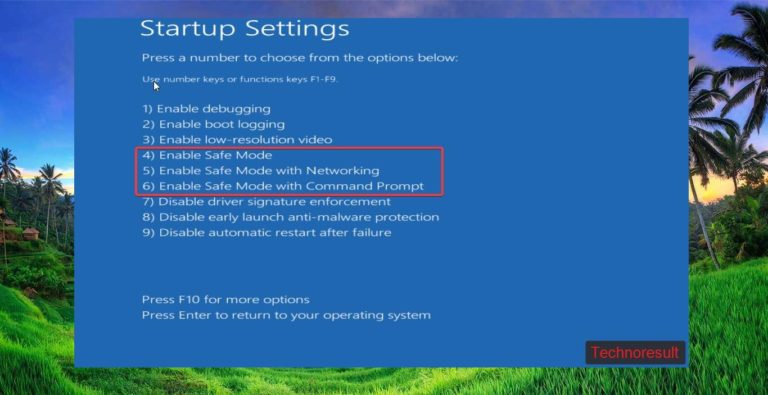
How to Boot into Safe Mode Using Command Prompt?
Safe mode is a diagnostic mode of a computer operating system (OS). It can also refer to a mode…
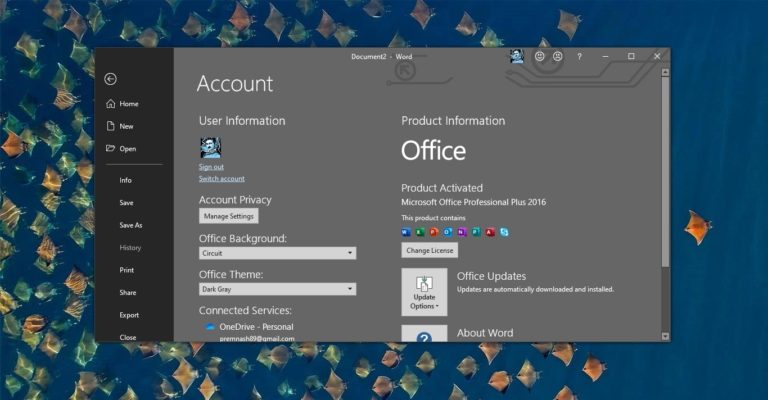
How to Install and Activate Office 365 in Windows 10?
MS Office or Microsoft Office is a collection of office-related applications that comes as…

How to Modify Date and Time attributes of files and folders in Windows 10?
In windows the files are managed by File Explorer, File Explorer is the GUI…